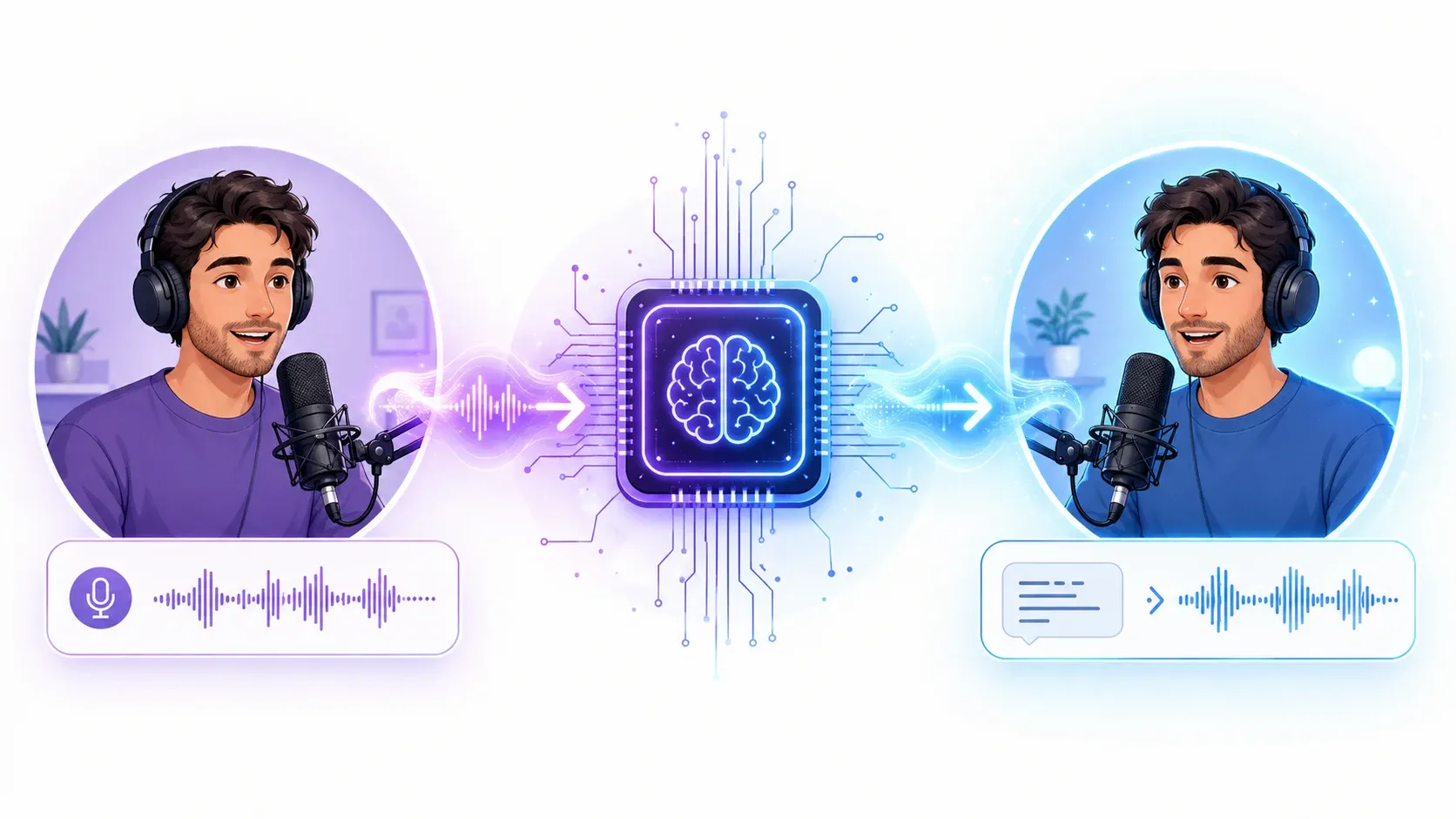
How to Clone Your Voice with AI in 2026 (Step-by-Step + Best Tools)
Learn how to clone your voice with AI in about 30 seconds. A step-by-step guide to voice cloning, getting the best quality, adding emotion, cloning in other languages — plus the ethics.
Imagine recording a 30-second clip once, then never having to sit in front of a microphone again.
That's what voice cloning does. You give the AI a short sample of your voice, and it learns to speak any text you type — in your voice, with your tone, your accent, your rhythm.
For creators, that means consistent narration across every video. For businesses, it means scaling audio without re-recording. For anyone, it means a personal voice you can reuse anywhere.
In this guide, you'll learn how to clone your voice with AI step by step, how to get a clone that actually sounds like you, how to add emotion, and how to do it all responsibly.
Let's get into it.
Quick answer: To clone your voice with AI, record about 30 seconds of clean audio, upload it to a voice cloning tool, and wait a moment while the AI builds your voice model. After that, type any text and it speaks in your cloned voice — and you can adjust the emotion and even use it in other languages.
What Is AI Voice Cloning?
AI voice cloning is technology that creates a digital copy of a specific voice from a short audio sample. Once the copy exists, you can type any text and hear it spoken in that voice — even words the original speaker never recorded.
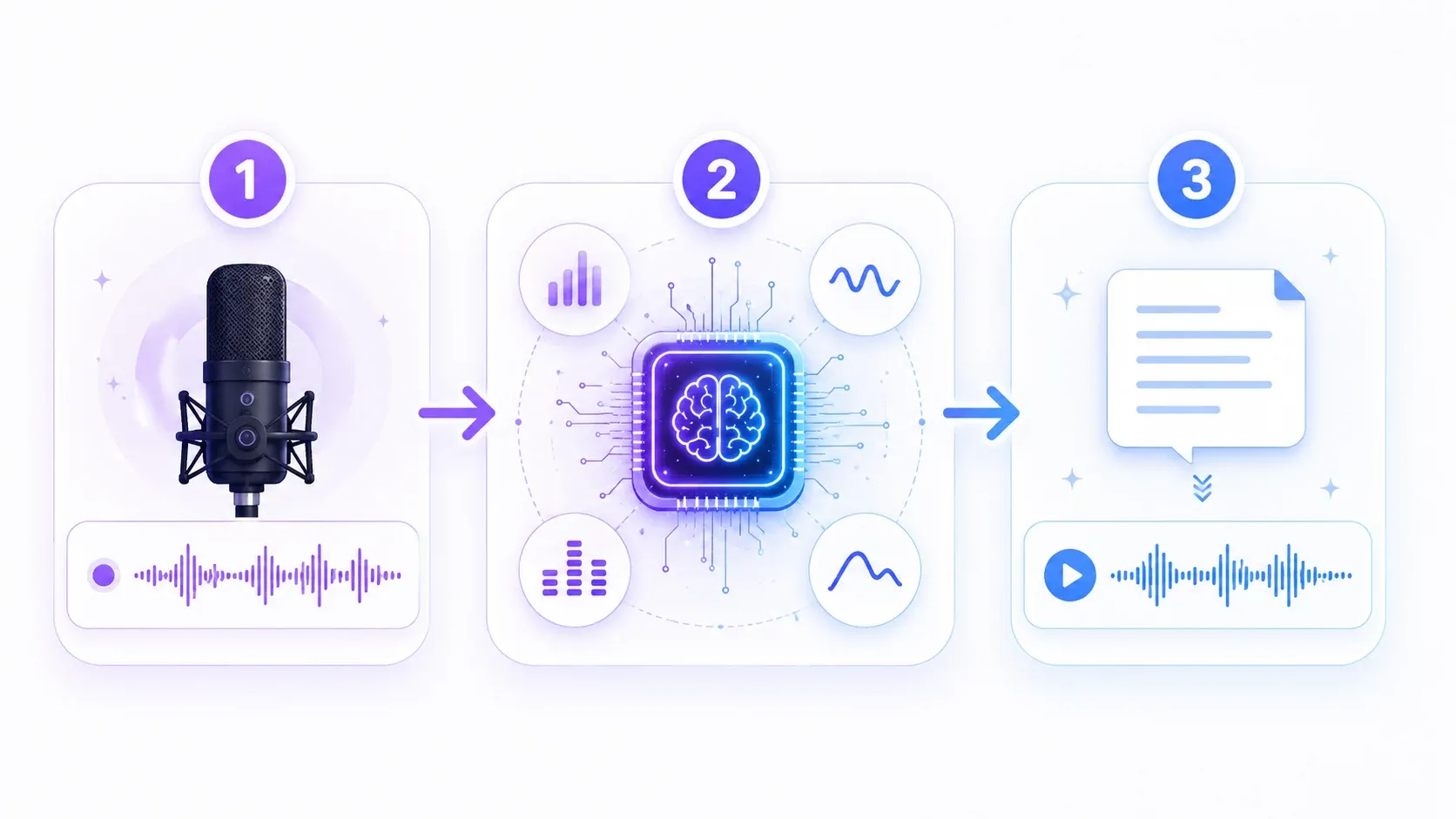
Here's what happens under the hood, in plain terms:
- You provide a reference sample — around 30 seconds of recorded speech.
- The AI analyzes your voice — pitch, tone, pacing, accent, and the little quirks that make you sound like you.
- It builds a voice model — a reusable digital version of your voice.
- You generate new speech — type any script, and the model reads it aloud in your voice.
The whole point is reusability. Clone once, then generate unlimited audio without ever recording again.
What You Can Do with a Cloned Voice
A cloned voice isn't a novelty — it's a production tool. Once you have one, it plugs into everything you create.
- Consistent video narration — same voice across every YouTube video, even months apart.
- Voiceovers at scale — generate dozens of clips without a single retake.
- Podcast hosting — use your cloned voice as a host in an AI podcast instead of recording each episode.
- Audiobooks and long-form — narrate a whole chapter by typing, not reading aloud for hours.
- A multilingual you — speak languages you don't actually speak (more on that below).
The real advantage is that one clone works everywhere. On AnySpeech, the voice you create can be used across text to speech, podcasts, and more — clone it once, use it in every tool.
How to Clone Your Voice with AI — Step by Step
Cloning your voice takes just a few minutes, and most of that is the recording. Here's the full process.
Step 1: Record a Clean Reference Sample
Record about 30 seconds of yourself speaking naturally. Read a paragraph you're comfortable with, in your normal tone — not a performance, just you talking.
Quality matters more than length here. A clean 30-second clip beats a noisy two-minute one every time.
Step 2: Upload Your Sample
Open the voice cloning tool and upload your recording. You can also record directly if your setup is quiet.
Step 3: Let the AI Build Your Voice Model
The AI processes your sample and builds your voice model. This takes a moment — you don't have to do anything but wait.
Step 4: Type Your Script and Generate
Once your clone is ready, type any text you want it to say. Click generate, and the model reads your script in your cloned voice.
Step 5: Adjust, Then Download
Preview the output. Fine-tune the wording, emotion, or pacing if needed, then download the audio and use it wherever you like.
Pro Tip: Test your fresh clone with a sentence you've actually said out loud before. It's the fastest way to judge how close the match is — your ear knows your own voice better than anyone's.
How to Get the Best-Quality Clone
The quality of your clone is decided almost entirely by your reference sample. Get the sample right, and everything downstream sounds better.
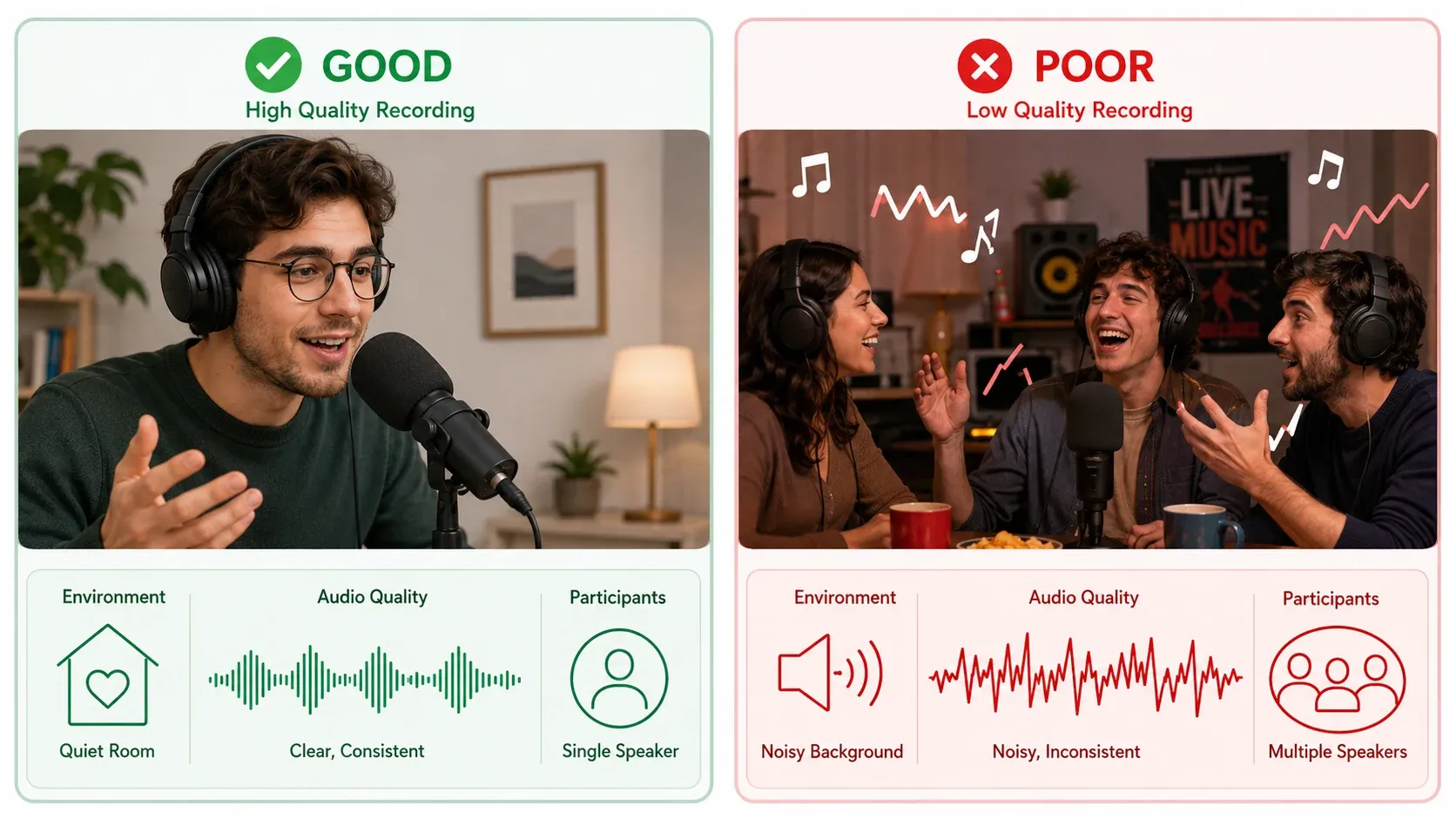
Do this for a clean sample:
- Record in a quiet room. No TV, no traffic, no background music.
- Stay close to the mic. Even phone earbuds work well if the room is quiet.
- Speak naturally. Use your everyday tone and pace, not a radio-announcer voice.
- One speaker only. No overlapping voices or background chatter.
- Vary your sentences. A few different sentences capture more of your range than one repeated line.
Avoid these common quality-killers:
- Echoey rooms (bathrooms, empty halls)
- Background music or hum
- Mumbling or speaking too fast
- Clipping from being too loud
Get those right and your clone will sound noticeably more like you.
Adding Emotion to Your Cloned Voice
A common complaint about cloned voices is that they sound flat — technically accurate, but emotionally lifeless. The fix is emotion control.
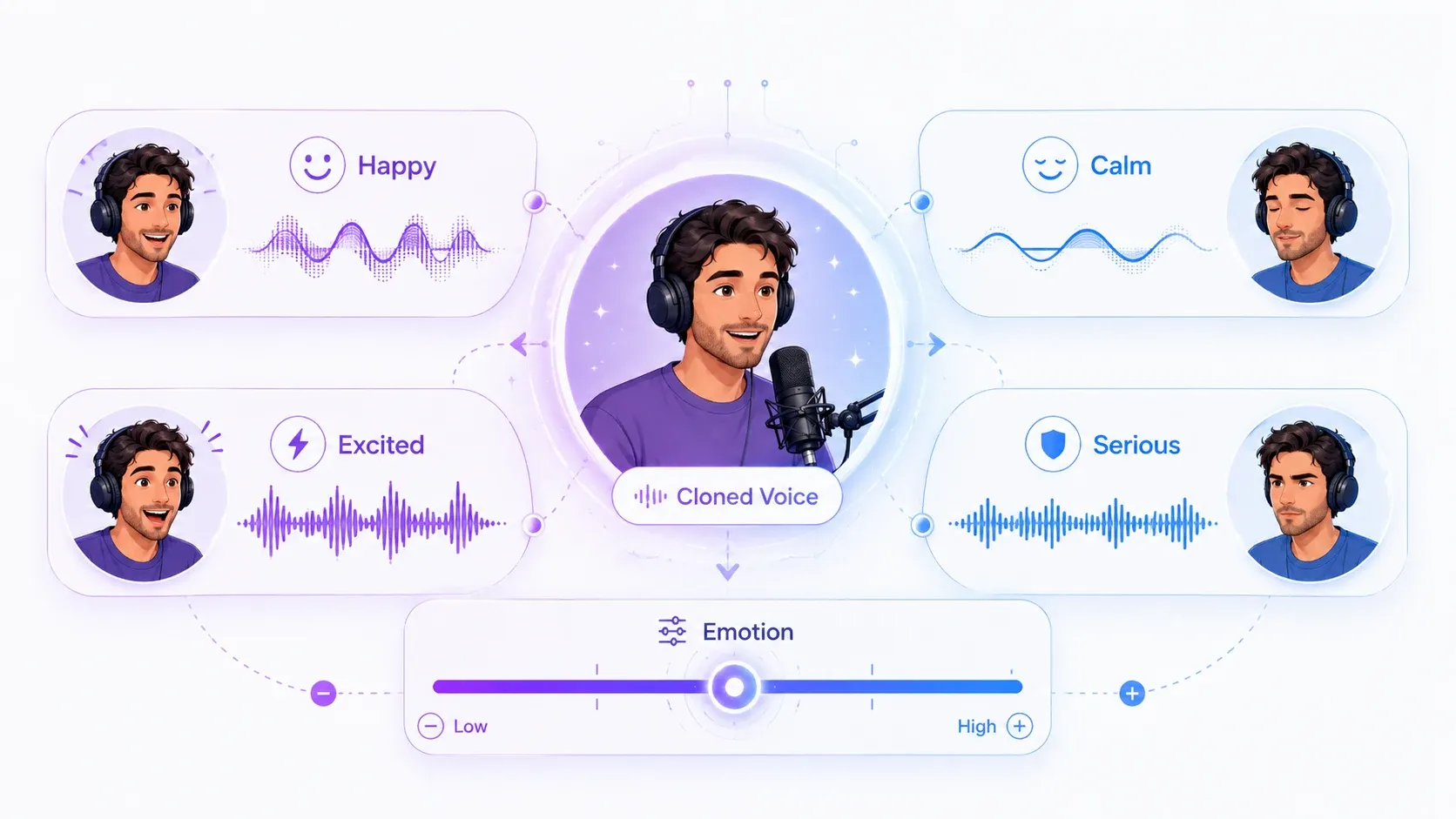
With AnySpeech's voice cloning, you can direct how a line is delivered — happy, calm, excited, serious — instead of getting one fixed tone for everything. The same sentence can land as cheerful encouragement or a measured explanation, depending on what your content needs.
This is the detail most tools skip, and it's what separates a clone that sounds like a recording from one that sounds like a robot:
- Use an upbeat delivery for marketing and social content.
- Use a calm delivery for tutorials, meditation, or explainers.
- Use an excited delivery for trailers, announcements, and hype moments.
Matching emotion to content is the single biggest upgrade you can make to a cloned voice.
Cloning Your Voice in Other Languages
Here's where voice cloning gets genuinely surprising: you can speak languages you've never learned.
Because the AI captures the character of your voice rather than specific words, it can apply your voice to other languages. You record once in English, and your clone can speak in Spanish, French, Japanese, and dozens more — still sounding like you.
AnySpeech supports cloned voices across 40+ languages. For creators with international audiences, that means one recording session produces narration for every market you serve — without hiring a voice actor per language.
| Use case | Without cloning | With a multilingual clone |
|---|---|---|
| Reaching 5 markets | 5 voice actors | 1 recording, 5 languages |
| Brand consistency | Different voice per region | Same voice everywhere |
| Turnaround | Days to weeks | Minutes |
Best AI Voice Cloning Tools in 2026
Several tools offer voice cloning, but they differ in how much audio they need, whether they support emotion, and how many languages they cover. Here's an honest comparison.
| Tool | Sample Needed | Emotion Control | Languages | Best For |
|---|---|---|---|---|
| AnySpeech | ~30 sec | Yes | 40+ | All-in-one cloning + emotion |
| ElevenLabs | 1 min+ | Limited | 30+ | English-heavy production |
| Resemble AI | ~10 sec | Yes | Multiple | Developers and APIs |
| Descript (Overdub) | ~10 min | No | English-focused | Editing inside Descript |
The features that matter most are emotion control and language coverage — they're what decide whether your clone is usable for real content or just a tech demo. For a broader roundup of voice tools, see our best text to speech tools guide, or compare the best Play.ht alternatives if cloning price and language support are your deciding factors.
Is Voice Cloning Legal? Ethics and Safety
Voice cloning is legal when you clone your own voice or have explicit permission from the person whose voice you're cloning. Cloning someone without consent is where it crosses the line — legally and ethically.
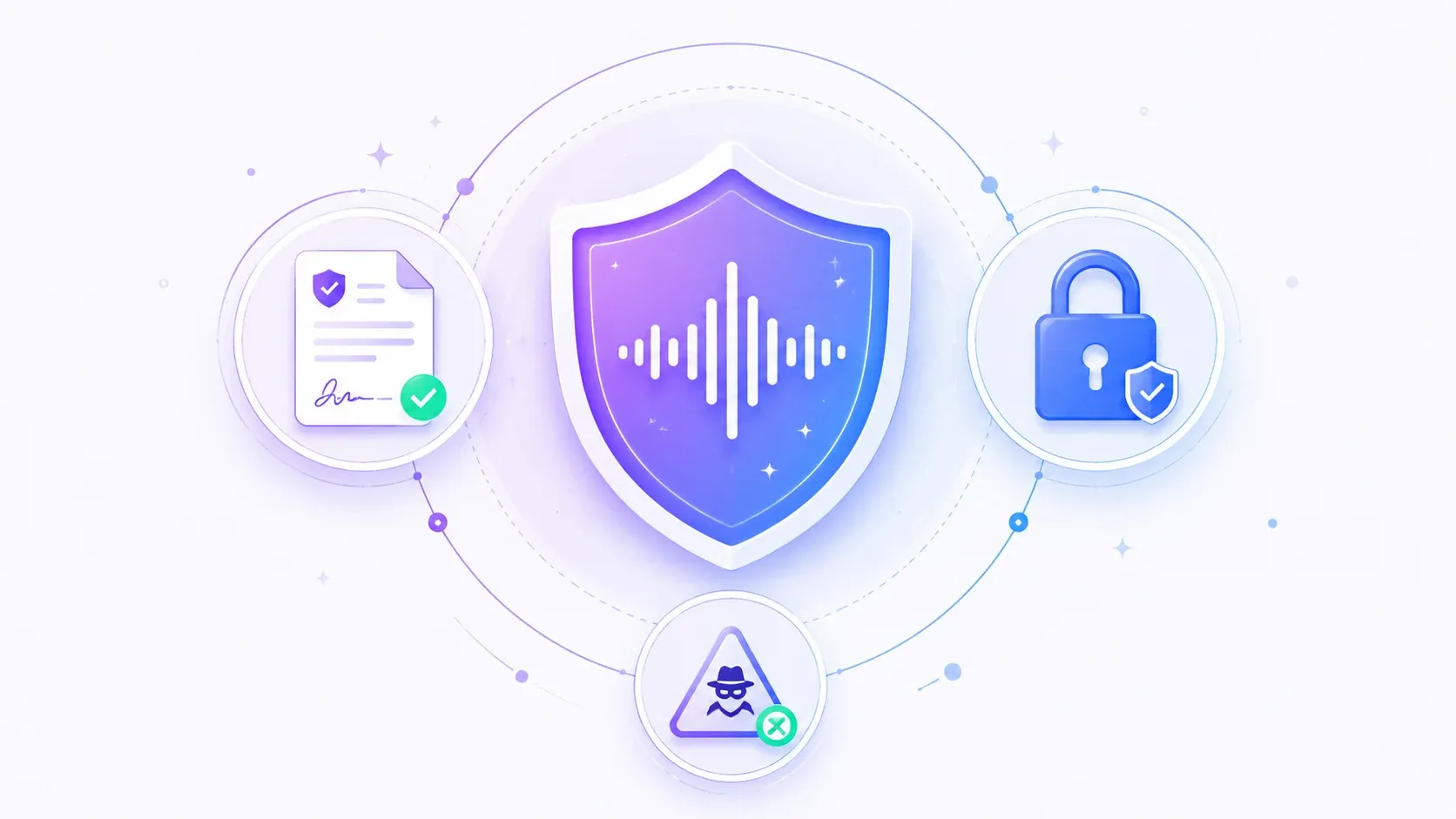
A few ground rules to stay on the right side of this:
- Only clone your own voice — or get clear consent. Cloning a public figure, a colleague, or anyone else without permission can violate privacy and impersonation laws, plus most platforms' terms.
- Be transparent. If you publish AI-generated audio of a real person, disclose it. Deception is what gets people in trouble, not the technology itself.
- Protect yourself from voice scams. Voice cloning has been used in phone scams that imitate family members or executives. Agree on a verbal "safe word" with close contacts, and verify unexpected urgent requests through a second channel.
- Keep commercial rights clear. Reputable tools let you use your own cloned voice commercially. AnySpeech allows commercial use of voices you create on its paid plans.
Used responsibly, voice cloning is a powerful creative tool. The technology isn't the risk — using it without consent is.
Frequently Asked Questions
How much audio do I need to clone a voice?
About 30 seconds of clean, clear speech is enough for a quality clone. More audio can help, but a short, high-quality sample beats a long, noisy one.
How long does voice cloning take?
Just a few minutes. After you upload your sample, the AI builds your voice model in moments, and you can start generating speech right away.
Is voice cloning free?
Voice cloning is a premium feature included in AnySpeech's paid plans. You can try the platform's free text to speech first to hear the voice quality before you upgrade.
Does the clone really sound like me?
Yes. Modern voice cloning is highly accurate and captures your pitch, tone, and accent. The closer your reference sample is to how you normally speak, the more convincing the result.
Can I use a cloned voice commercially?
Yes — for voices you own. You can use your own cloned voice for YouTube, podcasts, ads, and other commercial projects on a paid plan. Cloning someone else's voice for commercial use requires their permission.
Can I clone someone else's voice?
Only with their explicit consent. Cloning another person's voice without permission can break impersonation and privacy laws, and it violates most platforms' terms of service.
How do I make a cloned voice sound more natural?
Start with a clean reference sample, write in a conversational style, keep sentences short, and use emotion control to match delivery to your content. Previewing and adjusting before you publish makes a big difference.
What languages can I clone my voice in?
AnySpeech supports cloned voices in 40+ languages. You record once and can generate speech in many languages, all in your own voice.
Clone Your Voice and Put It to Work
Voice cloning turns a one-time, 30-second recording into a voice you can use forever — across videos, podcasts, audiobooks, and 40+ languages, with the emotion to make it sound human.
The key is a clean sample, the right emotion for your content, and using it responsibly — your own voice, or with clear consent.
Ready to hear yourself?
- Clone your voice — create your voice model in about 30 seconds
- Use it in an AI podcast — host a show in your own voice
- Browse 200+ AI voices — if you'd rather start with a ready-made voice
New to AI voices in general? Start with our guide on how to use AI text to speech. Questions we didn't cover? Email support@anyspeech.io and we'll add them to the guide.
Author

Categories
More Posts
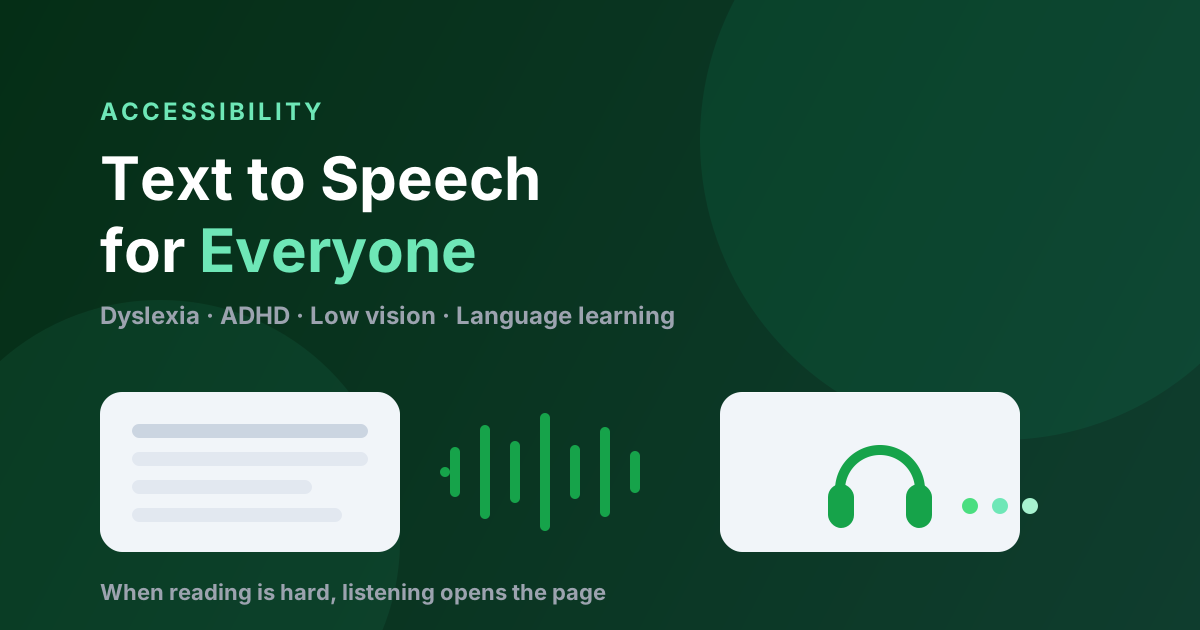
Text to Speech for Accessibility: A Guide for Dyslexia, ADHD & Low Vision (2026)
How text to speech helps with dyslexia, ADHD, and low vision — who it helps, what the research says, what to look for in a tool, and how to start reading by ear for free.
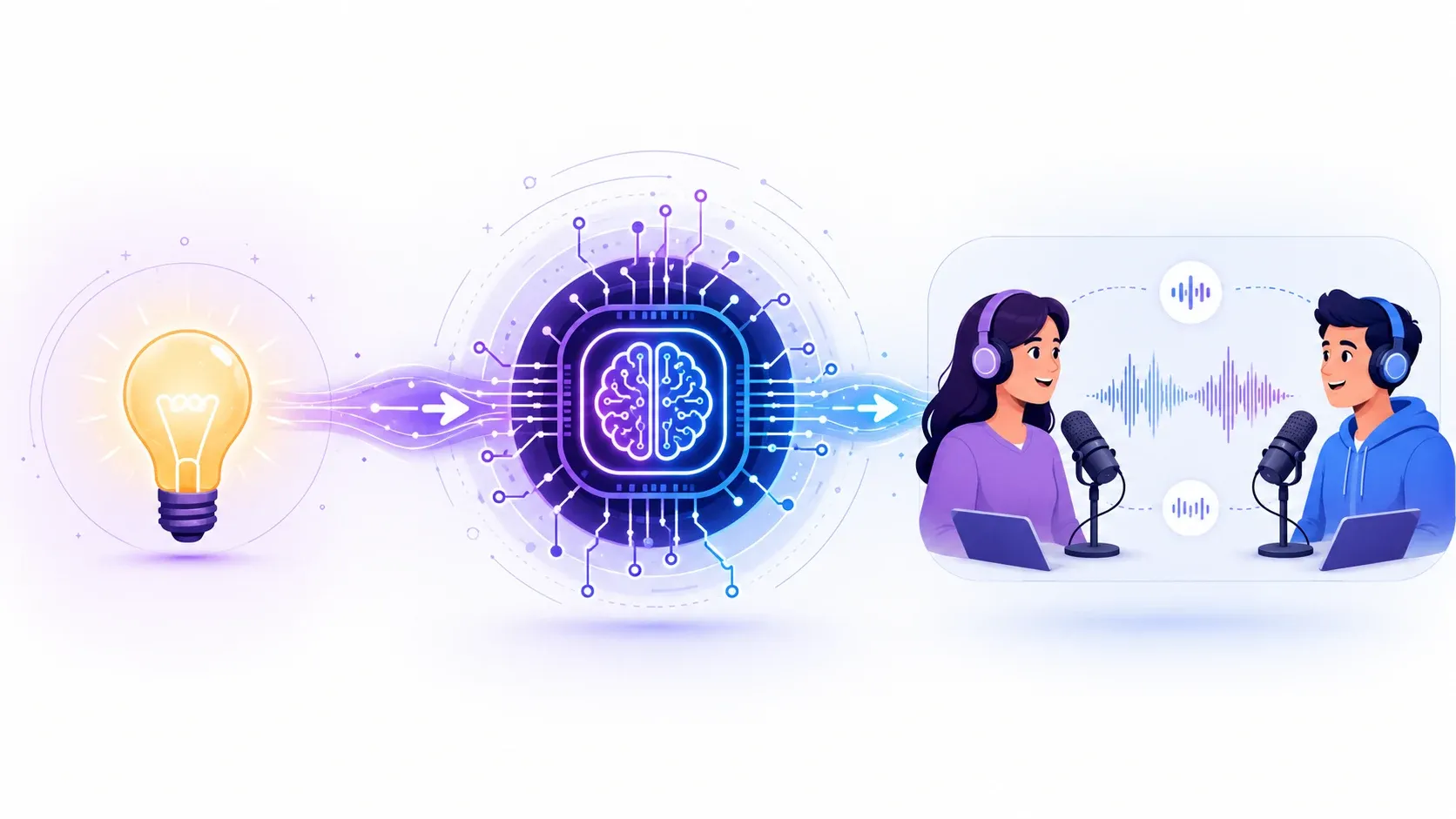
How to Make an AI Podcast: From One Idea to a Multi-Speaker Show (2026)
Learn how to make an AI podcast in minutes. Turn a single topic or script into a natural two-host conversation with AI voices — step by step, no mic or editing needed.
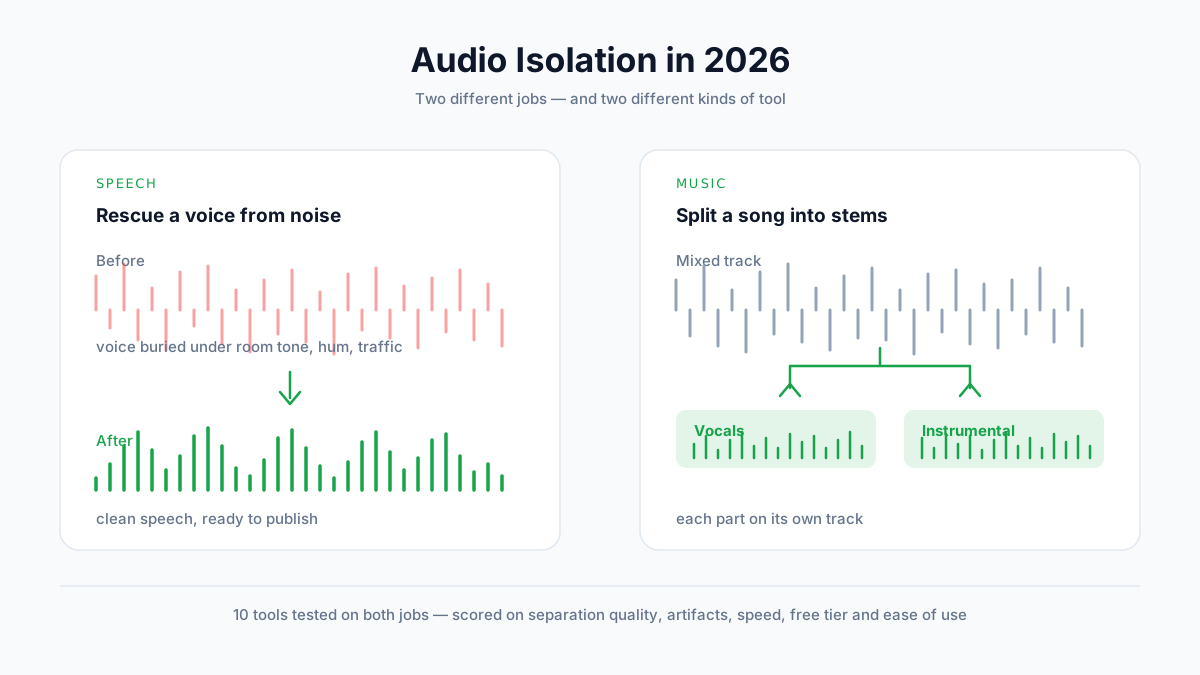
Best Audio Isolation Tools in 2026 (10 Tools Tested)
We tested 10 audio isolation tools on both speech and music. Compare separation quality, artifacts, pricing, and free tiers — and find out which type of tool your job actually needs.