
How to Use AI Text to Speech: Complete Guide for Beginners (2025)
Learn how to use AI text to speech tools step by step. Discover free options, compare voice quality, and get practical tips for creating natural-sounding voiceovers.
AI text to speech technology has transformed the way we create audio content. Whether you're a content creator, educator, or business professional, understanding how to use AI text to speech can save you hours of recording time while delivering professional-quality results.
In this comprehensive guide, you'll learn everything from the basics to advanced techniques for getting the best AI-generated voices.
What is AI Text to Speech?
AI text to speech (TTS) is technology that converts written text into spoken audio using artificial intelligence. Unlike traditional text to speech systems that sound robotic, modern AI TTS uses deep learning to produce natural, human-like voices.
Traditional TTS vs AI TTS
| Feature | Traditional TTS | AI TTS |
|---|---|---|
| Voice Quality | Robotic, monotone | Natural, expressive |
| Emotional Range | Limited | Wide range of emotions |
| Pronunciation | Rule-based, often incorrect | Context-aware, accurate |
| Languages | Basic support | 100+ languages |
| Customization | Minimal | Voice cloning, style transfer |
Key Insight: AI TTS can now produce voices that are nearly indistinguishable from human recordings, making it ideal for professional content creation.
Common Use Cases
AI text to speech is widely used for:
- YouTube Videos - Create voiceovers without recording
- Podcasts - Generate episode content or intros
- Audiobooks - Convert written books to audio format
- E-learning - Make educational content accessible
- Accessibility - Help visually impaired users consume content
- Marketing - Create ad voiceovers at scale
How to Use AI Text to Speech: Step-by-Step Guide
Follow these four simple steps to convert your text into natural-sounding speech:
Step 1: Choose Your TTS Tool
First, you need to select a text to speech platform. Here are your main options:
| Tool Type | Best For | Examples |
|---|---|---|
| Online Web Apps | Quick, one-time use | AnySpeech, ElevenLabs |
| Desktop Software | Offline work, privacy | Murf, NaturalReader |
| APIs | Developers, automation | Google Cloud TTS, Amazon Polly |
| Mobile Apps | On-the-go creation | Speech Central, Voice Dream |
Our Recommendation: For most users, web-based tools like AnySpeech offer the best balance of quality, ease of use, and price.
Step 2: Select a Voice
Choosing the right voice is crucial for your content. Consider these factors:
Voice Selection Criteria
+------------------+--------------------------------+
|     Criteria     |        What to Consider        |
+------------------+--------------------------------+
| Language         | Match your target audience     |
| Gender           | Male, female, or neutral       |
| Age Range        | Young, middle-aged, or mature  |
| Accent           | American, British, Australian  |
| Tone             | Professional, casual, friendly |
+------------------+--------------------------------+
Pro Tip: Most AI TTS tools let you preview voices before generating. Always test multiple voices with your actual content to find the best match.
Step 3: Input and Format Your Text
The way you format your text significantly affects the output quality:
Best Practices for Text Input:
- Use proper punctuation - Commas create natural pauses
- Break long paragraphs - Shorter chunks sound more natural
- Spell out numbers - "Twenty-five" instead of "25" for consistency
- Add emphasis marks - Use italics for words that need stress
- Include phonetic hints - For unusual names or technical terms
Example: Before vs After Formatting
Before (poor formatting):
our product is 50% off until 12/31 hurry and get yours at www.example.com/saleAfter (optimized):
Our product is fifty percent off until December thirty-first.
Hurry and get yours at example dot com slash sale.
Step 4: Generate and Download
Once your text is ready:
- Click the Generate button
- Wait for processing (usually 5-30 seconds)
- Preview the audio
- Download in your preferred format (MP3, WAV, etc.)
- Make adjustments if needed
Best Free AI Text to Speech Options
Looking for free AI text to speech? Here's a comparison of the best options available in 2025:
Free TTS Tools Comparison
| Tool | Free Tier | Voice Quality | Languages | Best Feature |
|---|---|---|---|---|
| AnySpeech Basic | Unlimited daily (with limits) | Good | 60+ | No credit card required |
| Google TTS | Limited | Good | 40+ | Google ecosystem integration |
| Natural Reader | 20 min/day | Moderate | 20+ | Document upload |
| TTSReader | Unlimited | Basic | 10+ | Browser-based |
AnySpeech Free Tier Details
| User Type | Daily Requests | Max Characters |
|---|---|---|
| Guest (no login) | 10 | 1,000 per request |
| Free Account | 20 | 5,000 per request |
| Paid Plans | Unlimited | 50,000 per request |
Why Choose AnySpeech? Our Basic model uses advanced AI technology and is completely free - no credit card, no hidden fees. Perfect for testing and light usage.
How to Turn On Text to Speech on Different Devices
Sometimes you need built-in TTS rather than AI-generated audio. Here's how to enable native text to speech:
Windows 11/10
- Open Settings > Accessibility > Narrator
- Toggle Narrator on
- Or use keyboard shortcut:
Win + Ctrl + Enter
macOS
- Open System Preferences > Accessibility
- Select Spoken Content
- Check Speak selection
- Use
Option + Escto read selected text
iPhone/iPad
- Go to Settings > Accessibility > Spoken Content
- Enable Speak Selection
- Select text and tap Speak
Android
- Open Settings > Accessibility > Text-to-speech
- Choose your preferred TTS engine
- Adjust speech rate and pitch
Browser Extensions
| Browser | Extension | Features |
|---|---|---|
| Chrome | Read Aloud | Multiple voices, speed control |
| Firefox | Read Mode | Built-in reader view |
| Edge | Immersive Reader | Focus mode, grammar tools |
Use Cases: What Can You Do with AI TTS?
Let's explore practical applications for AI text to speech:
1. YouTube Video Voiceovers
Create professional narration without expensive recording equipment:
Workflow:
Script Writing → AI Voice Generation → Video Editing → Upload
     |              |                      |
   (30 min)      (5 min)              (30 min)
Cost Savings: Professional voice actors charge $100-500+ per video. AI TTS: often free or a few dollars.
2. Podcast Production
Use AI voices for:
- Show intros and outros
- Ad reads
- Guest quote playbacks
- Multilingual content
3. E-learning Content
Create accessible educational materials:
| Content Type | AI TTS Benefit |
|---|---|
| Lecture notes | Students can listen while commuting |
| Study guides | Multi-sensory learning |
| Language learning | Native pronunciation examples |
| Accessibility | Support for visually impaired learners |
4. Audiobook Creation
Convert your written content into audiobooks:
- Speed: 10,000 words generated in minutes vs. hours of recording
- Consistency: Same voice quality throughout
- Languages: Easy translation and localization
5. Business Applications
| Use Case | Example |
|---|---|
| IVR Systems | Customer service phone menus |
| Training Videos | Employee onboarding content |
| Presentations | Add narration to slides |
| Marketing | Social media video ads |
Tips for Getting the Best Results
Voice Selection Tips
- Match voice to content - Professional content needs professional voices
- Consider your audience - Age, culture, and preferences matter
- Test multiple options - Don't settle for the first voice
Text Optimization
+------------------------+-----------------------------+
|      Don't Do This     |         Do This Instead     |
+------------------------+-----------------------------+
| Use abbreviations      | Spell everything out        |
| Long run-on sentences  | Break into shorter phrases  |
| Skip punctuation       | Use commas for natural pauses|
| Mix formatting styles  | Keep consistent formatting   |
+------------------------+-----------------------------+
Post-Processing
After generating your audio:
- Listen completely - Check for pronunciation issues
- Edit if needed - Trim silences, adjust volume
- Add background music - For podcasts and videos
- Export in high quality - Use WAV for editing, MP3 for distribution
Frequently Asked Questions
Is AI text to speech free?
Yes! Many tools offer free tiers. AnySpeech provides unlimited free access to Basic voices with daily limits. For premium AI voices, paid plans typically start at $5-10/month.
Can AI TTS sound like a real person?
Modern AI TTS is remarkably human-like. Premium services can produce voices nearly indistinguishable from human recordings. The technology improves constantly.
Which AI TTS is best for YouTube?
For YouTube, look for:
- Natural-sounding voices
- Good pronunciation
- Multiple languages (if needed)
- MP3/WAV export options
AnySpeech's Advanced and Pro models are optimized for content creation.
How many languages does AI TTS support?
Top AI TTS platforms support 100+ languages. AnySpeech supports 60+ languages in the Basic model alone, with even more in Advanced and Pro tiers.
Start Creating with AI Text to Speech Today
AI text to speech has never been more accessible or powerful. Whether you're creating YouTube videos, podcasts, e-learning content, or business presentations, AI voices can help you produce professional audio content faster and more affordably than ever before.
Ready to get started?
- Try AnySpeech for free - No credit card required
- Choose from 60+ languages and voices
- Generate your first audio in seconds
The future of content creation is here. Start converting your text to natural-sounding speech today!
Have questions about AI text to speech? Contact us at support@anyspeech.io
Author

Categories
More Posts
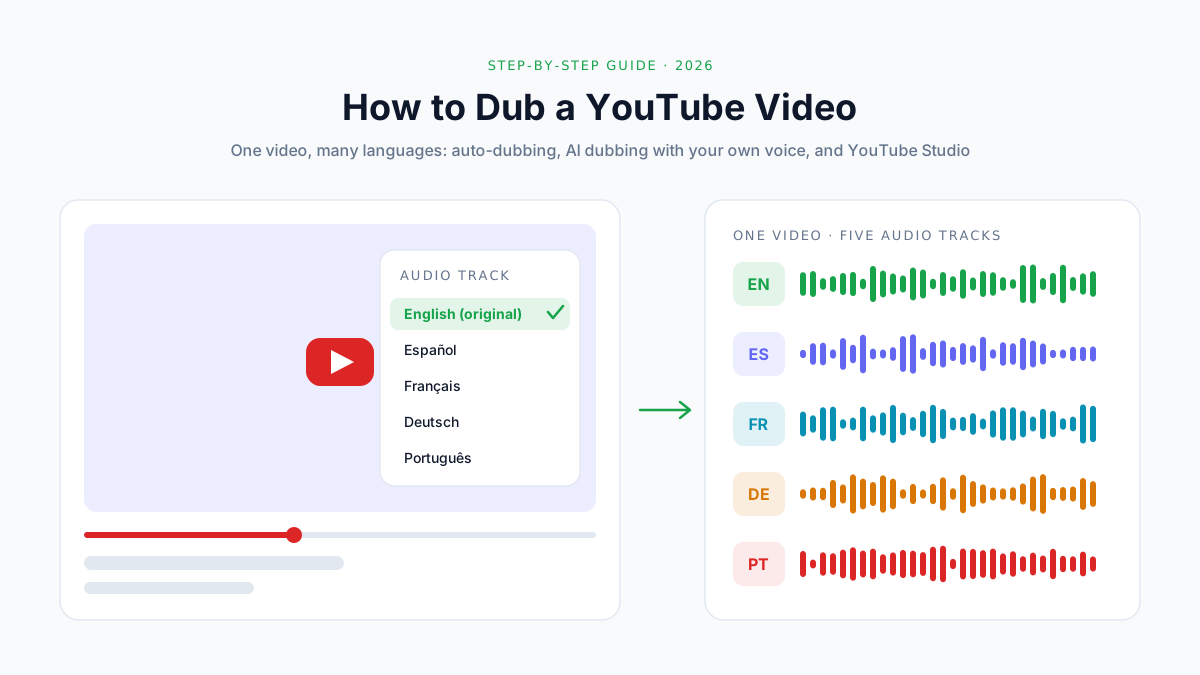
How to Dub a YouTube Video into Another Language (2026)
Dub a YouTube video into other languages: auto-dubbing vs your own AI dub, how to add a multi-language audio track in Studio, costs and a QA checklist.

How to Turn On Voice Isolation: Step-by-Step Guide for Every Device (2026)
Learn how to turn on voice isolation on iPhone, iPad, Mac, and Android. Step-by-step instructions for FaceTime, phone calls, and tips for AI audio isolation tools.

How to Use Text to Speech on TikTok: The Complete Guide (2026)
Learn how to use TikTok text to speech step by step on iPhone and Android. All voices explained, troubleshooting fixes, plus better AI alternatives for pro-quality voiceovers.