
Voice Isolator
Remove background noise from any audio with AI, instantly.
Hear the Difference
See how our AI isolates voice from background noise
[Example]Cafe background noise
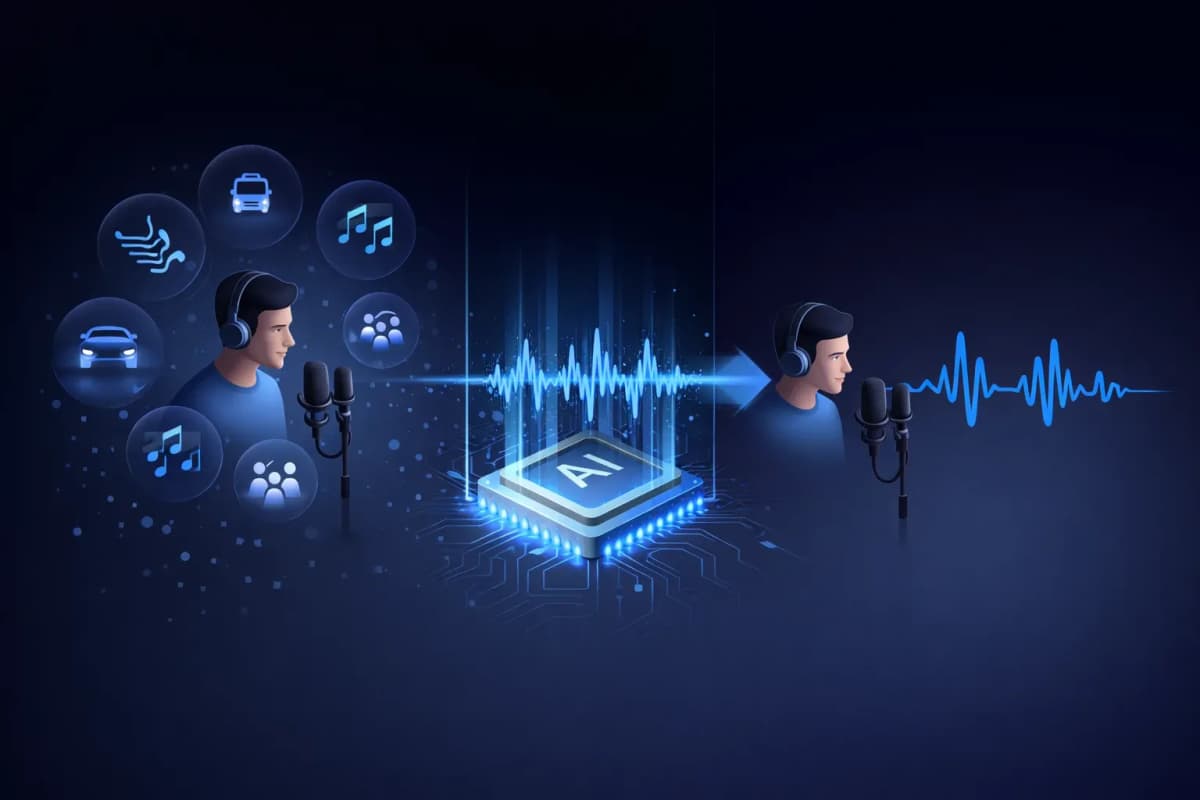
What is a Voice Isolator?
A voice isolator is an AI-powered tool that separates human speech from background noise in audio recordings. Unlike traditional noise filters that simply reduce volume levels, our AI voice isolator uses deep learning neural networks to identify and extract vocal patterns while removing unwanted sounds like music, traffic, wind, and ambient noise. The result is clean, studio-quality voice audio that sounds as if it was recorded in a professional environment.
Key Features of Our AI Voice Isolator
AI-Powered Voice Isolation
Deep learning neural networks trained on millions of audio samples to precisely separate voice from any background noise.
Multi-Format Support
Upload MP3, WAV, OGG, AAC, or FLAC audio files. Our voice isolator handles all major audio formats.
Lightning Fast Processing
Get your isolated voice audio in 20-40 seconds. No waiting around for lengthy processing times.
Studio-Quality Output
Preserve natural voice characteristics while removing noise. Output sounds like it was recorded in a professional studio.
Integrated with TTS & Cloning
Unique workflow: isolate a voice, then clone it or generate new speech. All in one platform — only on AnySpeech.
Privacy-First
Your audio files are automatically deleted after 7 days. We never share or use your data for training.

How to Use Our Voice Isolator
Upload Your File
Drag & drop or click to upload your audio file. Supports MP3, WAV, OGG, AAC, FLAC.
AI Processes Audio
Our AI voice isolator analyzes your audio and separates voice from background noise automatically.
Preview & Compare
Listen to the original and isolated audio side by side. Hear the difference instantly.
Download Clean Audio
Download your isolated voice in high-quality audio format, ready for any project.
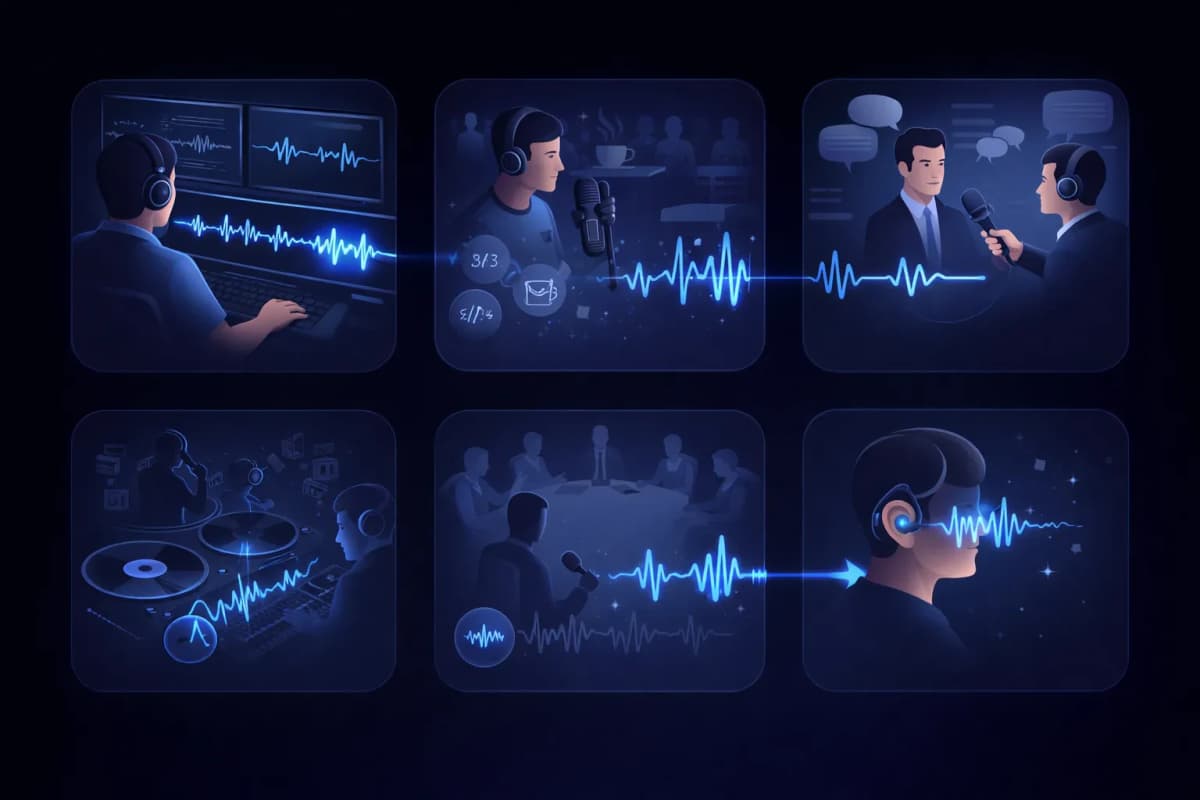
Voice Isolator Use Cases
Video Post-Production
Clean up dialogue tracks by removing background noise from video recordings.
Podcast Editing
Remove cafe noise, traffic sounds, and other unwanted audio from podcast recordings.
Interview Transcription
Isolate speaker voices for more accurate speech-to-text transcription results.
Vocal Extraction
Extract vocals from music tracks for remixes, karaoke, or acapella versions.
Meeting & Lecture Recording
Clean up meeting recordings by isolating speaker voices from room noise.
Accessibility
Help hearing-impaired users by isolating speech from complex audio environments.
Why Choose AnySpeech Voice Isolator?
- Studio-quality AI voice isolation
- Supports all major audio formats
- Integrated with Text to Speech
- Integrated with Voice Cloning
- One platform for all audio needs
- Affordable credit-based pricing
HOW IT WORKS
How Does AI Noise Removal Work?
An AI voice isolator separates speech from noise by reading the audio's frequency map: it recognizes the patterns human voices make, keeps them, and rebuilds the track with everything else removed.
Speech and noise leave different fingerprints
On a spectrogram, a human voice draws distinctive shapes — harmonics, formants, the rhythm of syllables. Air-conditioning hum, traffic, and café chatter each look very different. The model has learned both, so it can tell them apart even when they overlap.
Reconstruction, not filtering
Classic noise filters cut whole frequency ranges, which dulls the voice along with the noise. AI isolation instead predicts what the clean voice should sound like and rebuilds it, preserving brightness and detail that filters would destroy.
Why the result sounds studio-recorded
Because the voice is rebuilt rather than carved out, the output keeps natural sibilance and presence without the noise floor. A phone recording from a kitchen can come out sounding like a booth take.

WHICH TOOL?
Voice Isolator vs Vocal Remover: Which Do You Need?
The two tools sound similar but solve opposite problems. The quick rule: spoken recording with unwanted noise — Voice Isolator. A song you want split into parts — Vocal Remover.
Voice Isolator — for spoken recordings
Use it when the voice is the content and everything else is pollution: podcast takes, interviews, lectures, voice memos. You get one clean speech track back.
Vocal Remover — for songs
Use it when you're working with music and want the parts, not a cleanup: it splits a finished song into an acapella and an instrumental, and keeps both.
At a glance
| Question | Voice Isolator | Vocal Remover |
|---|---|---|
| What goes in | Spoken audio with noise | A finished song |
| What comes out | One clean voice track | Vocals + instrumental stems |
| What gets removed | Noise, hum, chatter | Nothing — everything is kept, separated |
| Typical user | Podcasters, students, journalists | Singers, DJs, karaoke fans |
Working with a song instead? Head to the vocal remover.
NOISE GUIDE
Which Noises Clean Up Best?
Not all noise is equally removable. Here's an honest map of what to expect before you upload.
Excellent results
- Air conditioning, fans, and electrical hum
- Computer and microphone hiss
- Rain and steady wind rumble
Steady, predictable noise is the easiest to model — it disappears almost completely.
Good results
- Café chatter and crowd murmur
- Traffic and street ambience
- Keyboard clicks and desk thumps
Intermittent noise usually cleans up well, though a loud burst directly over a word can leave a trace.
Know the limits
- Heavy reverb baked into the room sound
- Another voice speaking over yours
- Clipped or distorted source audio
These overlap with the voice itself, so expect improvement rather than perfection — re-record if you can.
WORKFLOW
Where Isolation Fits in Your Audio Pipeline
Clean speech isn't just nicer to hear — it makes every downstream AI tool measurably better.
Before transcription
A clean track means fewer misheard words. Isolate first, then run speech to text for a tighter transcript.
Before voice cloning
Cloning learns everything in your sample, including the noise. Isolating a recording first gives the clone a cleaner voice print.
Before publishing
Podcast episodes and video voiceovers ship faster when you fix the audio in one pass instead of re-recording.
Frequently Asked Questions
Isolate Voices with AI Now
Upload your audio file and get clean, studio-quality voice in seconds.