
音声分離ツール
AIで瞬時にあらゆるオーディオから背景ノイズを除去します。
違いを聴いてみてください
AIがどのように音声を背景ノイズから分離するかをご覧ください
[サンプル]カフェの背景ノイズ
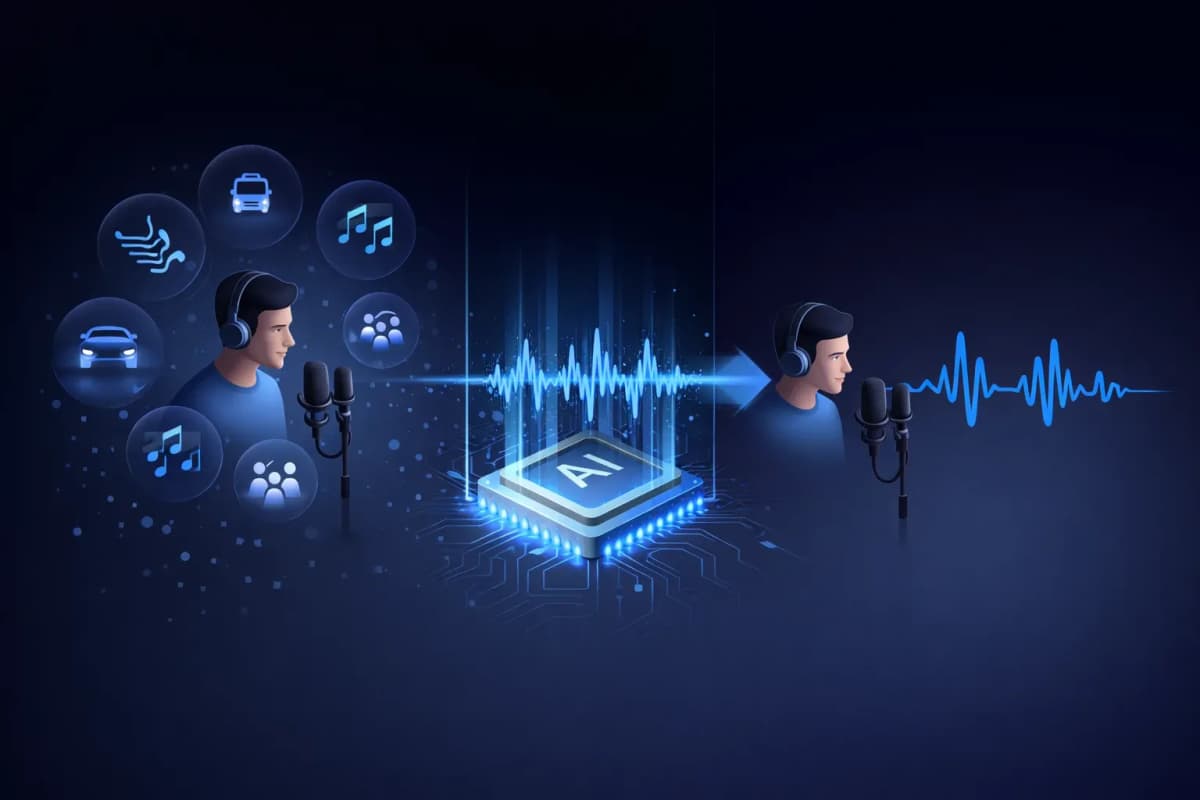
音声分離ツールとは?
音声分離ツールとは、オーディオ録音から人間の音声と背景ノイズを分離するAI搭載ツールです。単にボリュームレベルを下げる従来のノイズフィルターとは異なり、当社のAI音声分離ツールはディープラーニングニューラルネットワークを使用して、音楽、交通騒音、風、環境ノイズなどの不要な音を除去しながら、音声パターンを識別・抽出します。その結果、プロフェッショナルな環境で録音されたかのようなクリーンでスタジオ品質の音声オーディオが得られます。
AI音声分離ツールの主な機能
AI搭載の音声分離
数百万のオーディオサンプルでトレーニングされたディープラーニングニューラルネットワークにより、あらゆる背景ノイズから音声を正確に分離します。
マルチフォーマット対応
MP3、WAV、OGG、AAC、またはFLACオーディオファイルをアップロード。主要なオーディオ形式すべてに対応しています。
超高速処理
分離された音声オーディオを20〜40秒で取得。長い処理時間を待つ必要はありません。
スタジオ品質の出力
ノイズを除去しながら自然な音声特性を保持。プロフェッショナルスタジオで録音されたような出力が得られます。
TTS&クローニングと統合
ユニークなワークフロー: 音声を分離し、それをクローンするか新しい音声を生成。すべてを一つのプラットフォームで — AnySpeechだけ。
プライバシー重視
お客様のオーディオファイルは7日後に自動的に削除されます。データを共有したり、トレーニングに使用することはありません。

音声分離ツールの使い方
ファイルをアップロード
ドラッグ&ドロップまたはクリックしてオーディオファイルをアップロード。MP3、WAV、OGG、AAC、FLACに対応。
AIがオーディオを処理
AI音声分離ツールがオーディオを分析し、自動的に音声と背景ノイズを分離します。
プレビュー&比較
オリジナルと分離されたオーディオを並べて聴き比べ。違いを瞬時に確認できます。
クリーンなオーディオをダウンロード
分離された音声を高品質オーディオ形式でダウンロード。あらゆるプロジェクトにすぐに使用できます。
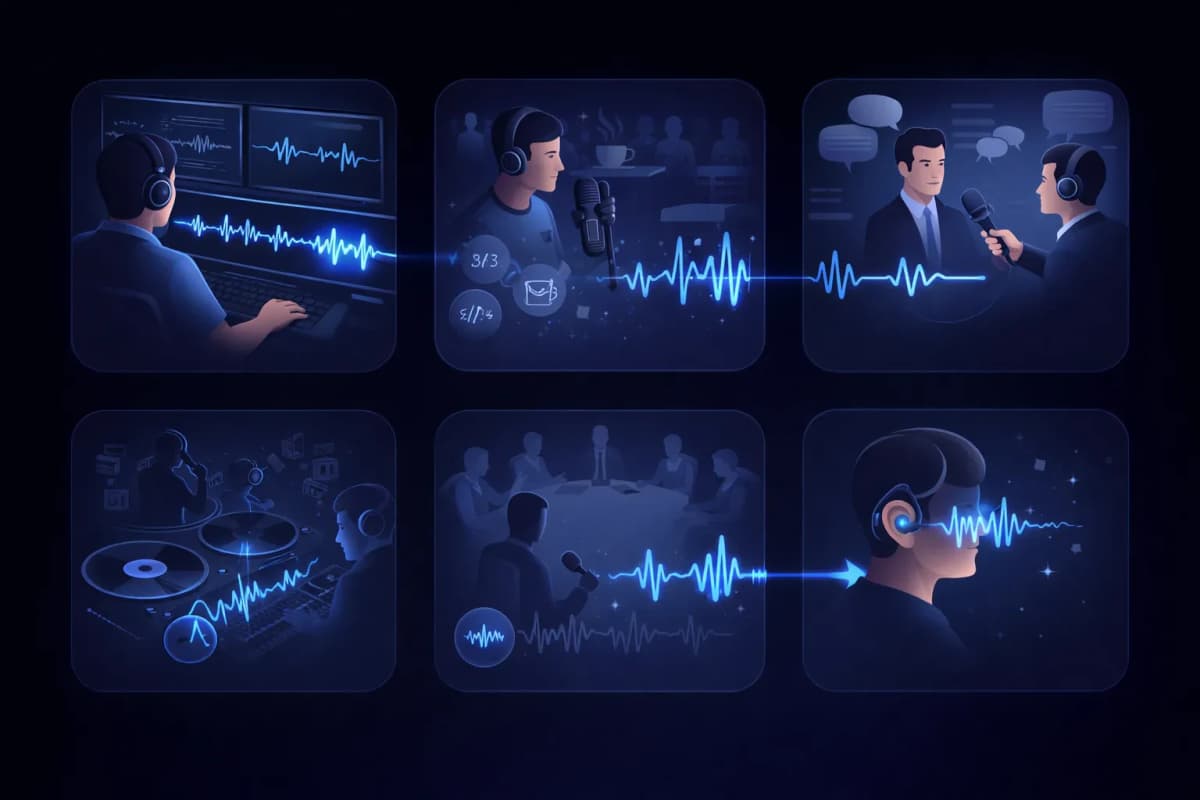
音声分離ツールの活用事例
動画のポストプロダクション
動画録画から背景ノイズを除去してダイアログトラックをクリーンアップ。
ポッドキャスト編集
ポッドキャスト録音からカフェの騒音、交通音、その他の不要なオーディオを除去。
インタビューの文字起こし
より正確な音声認識結果を得るために話者の音声を分離。
ボーカル抽出
音楽トラックからボーカルを抽出し、リミックス、カラオケ、アカペラバージョンを作成。
会議・講義の録音
室内ノイズから話者の音声を分離して会議録音をクリーンアップ。
アクセシビリティ
複雑なオーディオ環境から音声を分離し、聴覚障害のあるユーザーを支援。
AnySpeechの音声分離ツールを選ぶ理由
- スタジオ品質のAI音声分離
- すべての主要オーディオ形式に対応
- テキスト読み上げと統合
- 音声クローニングと統合
- すべてのオーディオニーズに一つのプラットフォーム
- 手頃なクレジットベースの料金体系
仕組み
AIノイズ除去の仕組みとは?
AI音声分離ツールは、オーディオの周波数マップを読み取って声とノイズを切り分けます。人の声が描くパターンを認識してそれを残し、それ以外をすべて取り除いた状態でトラックを再構築するのです。
声とノイズは、それぞれ異なる「指紋」を残す
スペクトログラム上では、人の声は倍音、フォルマント、音節のリズムといった特徴的な形を描きます。エアコンの動作音、交通音、カフェのざわめきは、それぞれまったく異なる形に見えます。モデルはその両方を学習しているため、重なり合っていても聞き分けられるのです。
フィルターではなく「再構築」
従来のノイズフィルターは周波数帯をまるごとカットするため、ノイズと一緒に声までこもってしまいます。一方、AIによる音声分離は、ノイズのない声が本来どう聞こえるかを予測して再構築するので、フィルターでは失われてしまう声の明るさや細部を保てます。
スタジオで録ったように聞こえる理由
声を削り出すのではなく再構築するため、自然な歯擦音や存在感はそのままに、ノイズフロアだけがなくなります。キッチンでスマホ録音した音声でも、録音ブースで録ったような音に仕上がることがあります。

ツールの選び方
音声分離ツールとボーカルリムーバー、どちらを使うべき?
この2つのツールは似ているようで、解決する課題は正反対です。見分け方は簡単。不要なノイズが入った話し声の録音なら音声分離ツール、パートごとに分けたい楽曲ならボーカルリムーバーです。
音声分離ツール — 話し声の録音向け
声こそが中身で、それ以外はすべて邪魔な音という場合に使います。ポッドキャストの収録、インタビュー、講義、ボイスメモなどです。出力されるのは、クリーンな音声トラック1本です。
ボーカルリムーバー — 楽曲向け
音楽を扱っていて、ノイズの除去ではなく各パートが欲しいときに使います。完成した曲をアカペラとインストに分け、その両方を残します。
ひと目でわかる比較
| 比較項目 | 音声分離ツール | ボーカルリムーバー |
|---|---|---|
| 入力するもの | ノイズ混じりの話し声 | 完成した楽曲 |
| 出力されるもの | クリーンな音声トラック1本 | ボーカルとインストのステム |
| 除去されるもの | ノイズ、ハム音、周囲の話し声 | なし — すべて分離した状態で残る |
| 主な利用者 | ポッドキャスター、学生、記者 | 歌い手、DJ、カラオケ好き |
話し声ではなく曲を扱う場合は ボーカルリムーバーをご利用ください。
ノイズ別ガイド
きれいに除去しやすいノイズは?
ノイズの種類によって、除去のしやすさは異なります。アップロードする前に、どの程度の結果が期待できるかを率直にまとめました。
非常に良好な結果
- エアコン、扇風機、電気的なハムノイズ
- パソコンやマイクのヒスノイズ
- 雨音や、一定して続く風切り音
一定で予測しやすいノイズはモデルが最も捉えやすく、ほぼ完全に消えます。
良好な結果
- カフェの話し声や人混みのざわめき
- 交通音や街の環境音
- キーボードの打鍵音や机をたたく音
断続的なノイズもたいていはきれいに除去できますが、言葉とちょうど重なった大きな突発音は、わずかに残ることがあります。
苦手なケース
- 部屋の響きとして録音に染みついた強い残響
- 自分の声に重なる別の人の声
- 音割れや歪みのある元音声
これらは声そのものと重なっているため、完璧ではなく「改善」を目安にしてください。可能であれば録り直しをおすすめします。
ワークフロー
音声分離は、オーディオ制作のどの段階で使う?
クリーンな音声は聞きやすいだけではありません。その後に使うあらゆるAIツールの結果も、目に見えて良くなります。
文字起こしの前に
トラックがクリーンなら、聞き間違いが減ります。先に音声を分離してから音声テキスト変換にかければ、より正確な文字起こしが得られます。
音声クローンの前に
クローンは、ノイズも含めてサンプル内のすべてを学習します。先に録音から音声を分離しておけば、よりクリーンな声紋でクローンを作れます。
公開の前に
ポッドキャストのエピソードや動画のナレーションも、録り直す代わりに一度の処理で音声を整えれば、より早く公開できます。