
Isolatore Vocale
Rimuovi il rumore di fondo da qualsiasi audio con l'IA, istantaneamente.
Ascolta la Differenza
Scopri come la nostra IA isola la voce dal rumore di fondo
[Esempio]Rumore di fondo di un bar
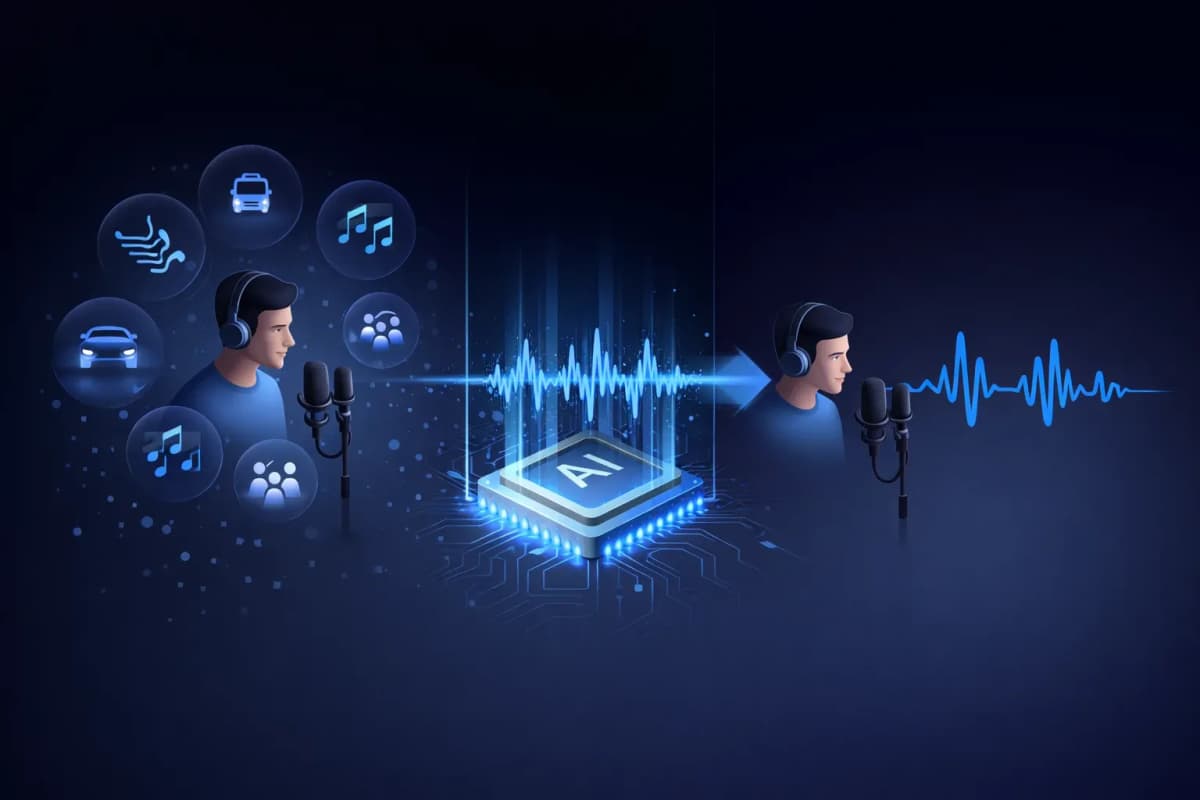
Cos'è un Isolatore Vocale?
Un isolatore vocale è uno strumento alimentato dall'IA che separa il parlato umano dal rumore di fondo nelle registrazioni audio. A differenza dei filtri antirumore tradizionali che riducono semplicemente i livelli di volume, il nostro isolatore vocale IA utilizza reti neurali di deep learning per identificare ed estrarre i pattern vocali rimuovendo suoni indesiderati come musica, traffico, vento e rumore ambientale. Il risultato è un audio vocale pulito e di qualità studio che sembra registrato in un ambiente professionale.
Caratteristiche Principali del Nostro Isolatore Vocale IA
Isolamento Vocale Alimentato dall'IA
Reti neurali di deep learning addestrate su milioni di campioni audio per separare con precisione la voce da qualsiasi rumore di fondo.
Supporto Multi-Formato
Carica file audio MP3, WAV, OGG, AAC o FLAC. Il nostro isolatore vocale gestisce tutti i principali formati audio.
Elaborazione Ultra-Rapida
Ottieni il tuo audio vocale isolato in 20-40 secondi. Niente attese per lunghi tempi di elaborazione.
Output Qualità Studio
Preserva le caratteristiche vocali naturali rimuovendo il rumore. L'output sembra registrato in uno studio professionale.
Integrato con TTS e Clonazione
Flusso di lavoro unico: isola una voce, poi clonala o genera nuovo parlato. Tutto in una piattaforma — solo su AnySpeech.
Privacy al Primo Posto
I tuoi file audio vengono eliminati automaticamente dopo 7 giorni. Non condividiamo né utilizziamo mai i tuoi dati per l'addestramento.

Come Usare il Nostro Isolatore Vocale
Carica il Tuo File
Trascina e rilascia o clicca per caricare il tuo file audio. Supporta MP3, WAV, OGG, AAC, FLAC.
L'IA Elabora l'Audio
Il nostro isolatore vocale IA analizza il tuo audio e separa automaticamente la voce dal rumore di fondo.
Anteprima e Confronto
Ascolta l'audio originale e quello isolato fianco a fianco. Nota la differenza istantaneamente.
Scarica Audio Pulito
Scarica la tua voce isolata in formato audio di alta qualità, pronta per qualsiasi progetto.
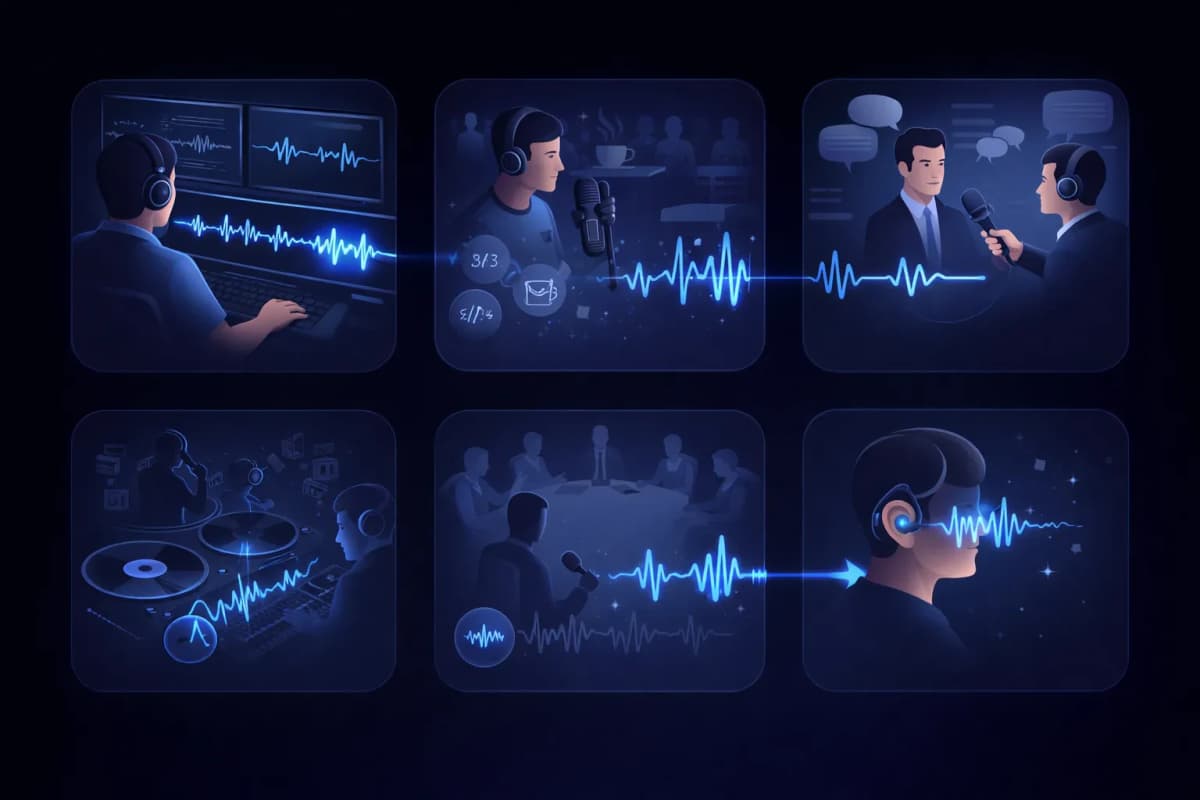
Casi d'Uso dell'Isolatore Vocale
Post-Produzione Video
Pulisci le tracce dei dialoghi rimuovendo il rumore di fondo dalle registrazioni video.
Editing Podcast
Rimuovi rumori del bar, suoni del traffico e altri audio indesiderati dalle registrazioni podcast.
Trascrizione Interviste
Isola le voci dei relatori per risultati di trascrizione da parlato a testo più accurati.
Estrazione Vocale
Estrai le voci dalle tracce musicali per remix, karaoke o versioni a cappella.
Registrazione Riunioni e Lezioni
Pulisci le registrazioni delle riunioni isolando le voci dei relatori dal rumore ambientale.
Accessibilità
Aiuta gli utenti con problemi di udito isolando il parlato da ambienti audio complessi.
Perché Scegliere l'Isolatore Vocale AnySpeech?
- Isolamento vocale IA di qualità studio
- Supporta tutti i principali formati audio
- Integrato con la Sintesi Vocale
- Integrato con la Clonazione Vocale
- Una piattaforma per tutte le esigenze audio
- Prezzi accessibili basati sui crediti
COME FUNZIONA
Come funziona la rimozione del rumore con l'IA?
Un isolatore vocale IA separa il parlato dal rumore leggendo la mappa delle frequenze dell'audio: riconosce i pattern tipici della voce umana, li conserva e ricostruisce la traccia eliminando tutto il resto.
Voce e rumore lasciano impronte diverse
In uno spettrogramma, la voce umana disegna forme caratteristiche: armoniche, formanti, il ritmo delle sillabe. Il ronzio del condizionatore, il traffico e il chiacchiericcio di un bar hanno un aspetto molto diverso. Il modello ha imparato a riconoscerli entrambi, quindi sa distinguerli anche quando si sovrappongono.
Ricostruzione, non filtraggio
I filtri antirumore tradizionali tagliano intere bande di frequenza e così, insieme al rumore, rendono più spenta anche la voce. L'isolamento con l'IA, invece, prevede come dovrebbe suonare la voce pulita e la ricostruisce, preservando la brillantezza e i dettagli che i filtri distruggerebbero.
Perché il risultato sembra registrato in studio
Poiché la voce viene ricostruita e non ritagliata, il risultato conserva le sibilanti naturali e la presenza della voce, senza il rumore di fondo. Una registrazione fatta con il telefono in cucina può uscirne come se fosse stata fatta in una cabina insonorizzata.

QUALE STRUMENTO?
Isolatore Vocale o Vocal Remover: quale ti serve?
A prima vista i due strumenti si somigliano, ma risolvono problemi opposti. La regola in breve: per una registrazione parlata con rumori indesiderati, Isolatore Vocale; per una canzone da dividere nelle sue parti, Vocal Remover.
Isolatore Vocale — per le registrazioni parlate
Usalo quando il contenuto è la voce e tutto il resto è disturbo: registrazioni di podcast, interviste, lezioni, memo vocali. Ottieni un'unica traccia di parlato pulita.
Vocal Remover — per le canzoni
Usalo quando lavori con la musica e ti servono le singole parti, non una pulizia: divide una canzone finita in acapella e base strumentale, e le conserva entrambe.
In sintesi
| Domanda | Isolatore Vocale | Vocal Remover |
|---|---|---|
| Cosa carichi | Parlato con rumore | Una canzone finita |
| Cosa ottieni | Una traccia vocale pulita | Traccia vocale + base strumentale |
| Cosa viene rimosso | Rumore, ronzii, chiacchiericcio | Niente: tutto resta, ma separato |
| Utente tipo | Podcaster, studenti, giornalisti | Cantanti, DJ, appassionati di karaoke |
Se invece lavori su una canzone, passa al vocal remover.
GUIDA AI RUMORI
Quali rumori si eliminano meglio?
Non tutti i rumori si rimuovono con la stessa facilità. Ecco una mappa onesta di cosa aspettarti prima di caricare il file.
Risultati eccellenti
- Condizionatori, ventilatori e ronzio elettrico
- Fruscio del computer e del microfono
- Pioggia e rombo costante del vento
I rumori costanti e prevedibili sono i più facili da modellare: spariscono quasi del tutto.
Buoni risultati
- Chiacchiericcio di un bar e brusio della folla
- Traffico e rumori della strada
- Clic della tastiera e colpi sulla scrivania
I rumori intermittenti di solito si puliscono bene, anche se un suono forte proprio sopra una parola può lasciare qualche residuo.
Conosci i limiti
- Riverbero forte, incorporato nel suono della stanza
- Un'altra voce che parla sopra la tua
- Audio di partenza saturato o distorto
Questi disturbi si sovrappongono alla voce stessa, quindi aspettati un miglioramento, non la perfezione: se puoi, registra di nuovo.
FLUSSO DI LAVORO
Dove si inserisce l'isolamento nella tua produzione audio
Un parlato pulito non è solo più piacevole da ascoltare: migliora in modo misurabile ogni strumento IA che usi dopo.
Prima della trascrizione
Una traccia pulita significa meno parole fraintese. Isola prima la voce, poi passala allo strumento da parlato a testo: la trascrizione sarà più precisa.
Prima della clonazione vocale
La clonazione impara tutto ciò che c'è nel campione, rumore compreso. Isolare prima la registrazione dà al clone un'impronta vocale più pulita.
Prima della pubblicazione
Episodi di podcast e voci fuori campo per i video sono pronti prima se sistemi l'audio in un solo passaggio invece di registrare di nuovo.
Domande Frequenti
Isola le Voci con l'IA Ora
Carica il tuo file audio e ottieni una voce pulita di qualità studio in pochi secondi.