
Voice Isolator
Yapay zeka ile herhangi bir sesten arka plan gürültüsünü anında kaldırın.
Farkı Duyun
Yapay zekamızın sesi arka plan gürültüsünden nasıl izole ettiğini görün
[Örnek]Kafe arka plan gürültüsü
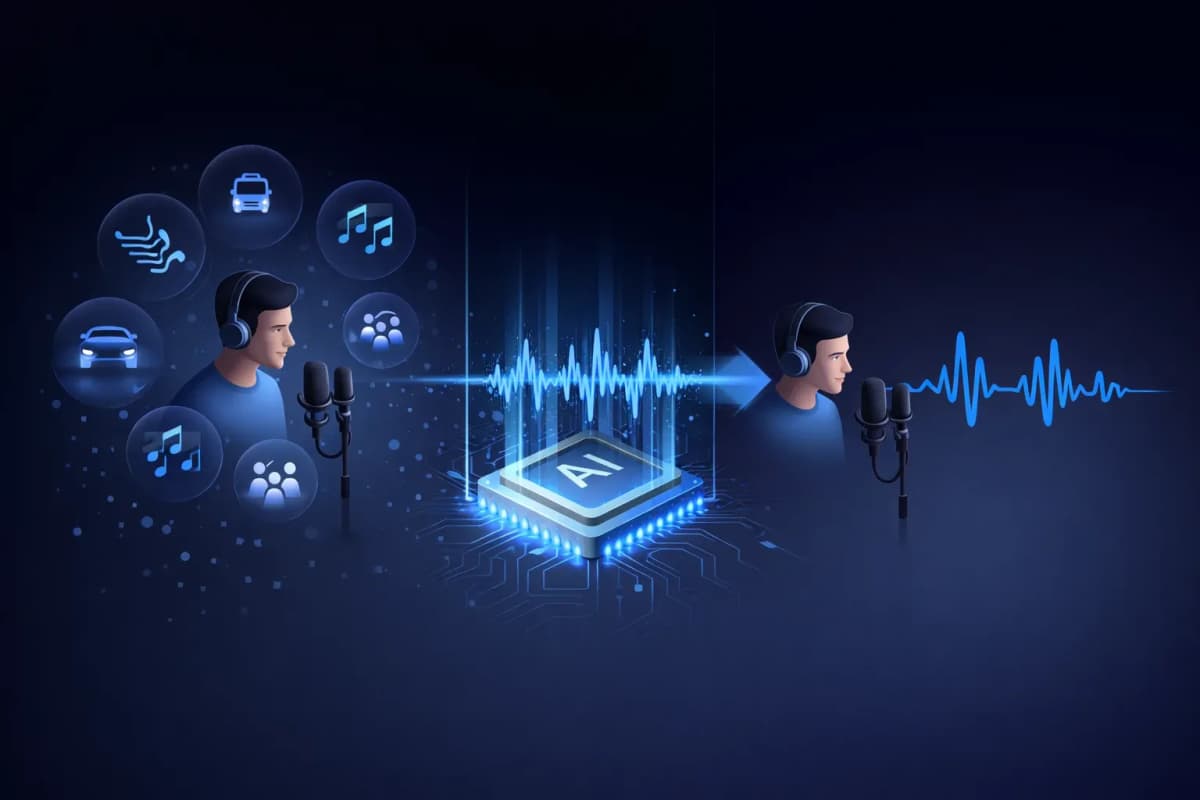
Ses İzolatörü Nedir?
Ses izolatörü, ses kayıtlarındaki insan konuşmasını arka plan gürültüsünden ayıran yapay zeka destekli bir araçtır. Sadece ses seviyelerini azaltan geleneksel gürültü filtrelerinin aksine, yapay zeka ses izolatörümüz müzik, trafik, rüzgar ve ortam gürültüsü gibi istenmeyen sesleri kaldırırken vokal kalıplarını tanımlamak ve çıkarmak için derin öğrenme sinir ağlarını kullanır. Sonuç, profesyonel bir ortamda kaydedilmiş gibi ses veren temiz, stüdyo kalitesinde ses kaydıdır.
Yapay Zeka Ses İzolatörümüzün Temel Özellikleri
Yapay Zeka Destekli Ses İzolasyonu
Sesi herhangi bir arka plan gürültüsünden hassas bir şekilde ayırmak için milyonlarca ses örneği üzerinde eğitilmiş derin öğrenme sinir ağları.
Çoklu Format Desteği
MP3, WAV, OGG, AAC veya FLAC ses dosyalarını yükleyin. Ses izolatörümüz tüm önemli ses formatlarını destekler.
Işık Hızında İşleme
İzole edilmiş ses kaydınızı 20-40 saniyede alın. Uzun işleme süreleri için beklemeye son.
Stüdyo Kalitesinde Çıkış
Gürültüyü kaldırırken doğal ses özelliklerini koruyun. Çıktı, profesyonel bir stüdyoda kaydedilmiş gibi ses verir.
TTS ve Klonlama ile Entegre
Benzersiz iş akışı: bir sesi izole edin, sonra klonlayın veya yeni konuşma oluşturun. Tek platformda her şey — yalnızca AnySpeech'te.
Gizlilik Öncelikli
Ses dosyalarınız 7 gün sonra otomatik olarak silinir. Verilerinizi asla paylaşmaz veya eğitim için kullanmayız.

Ses İzolatörümüzü Nasıl Kullanırsınız
Dosyanızı Yükleyin
Ses dosyanızı sürükleyip bırakın veya tıklayarak yükleyin. MP3, WAV, OGG, AAC, FLAC desteklenir.
Yapay Zeka Sesi İşler
Yapay zeka ses izolatörümüz sesinizi analiz eder ve sesi arka plan gürültüsünden otomatik olarak ayırır.
Önizleme ve Karşılaştırma
Orijinal ve izole edilmiş sesi yan yana dinleyin. Farkı anında duyun.
Temiz Sesi İndirin
İzole edilmiş sesinizi yüksek kaliteli ses formatında indirin, herhangi bir proje için hazır.
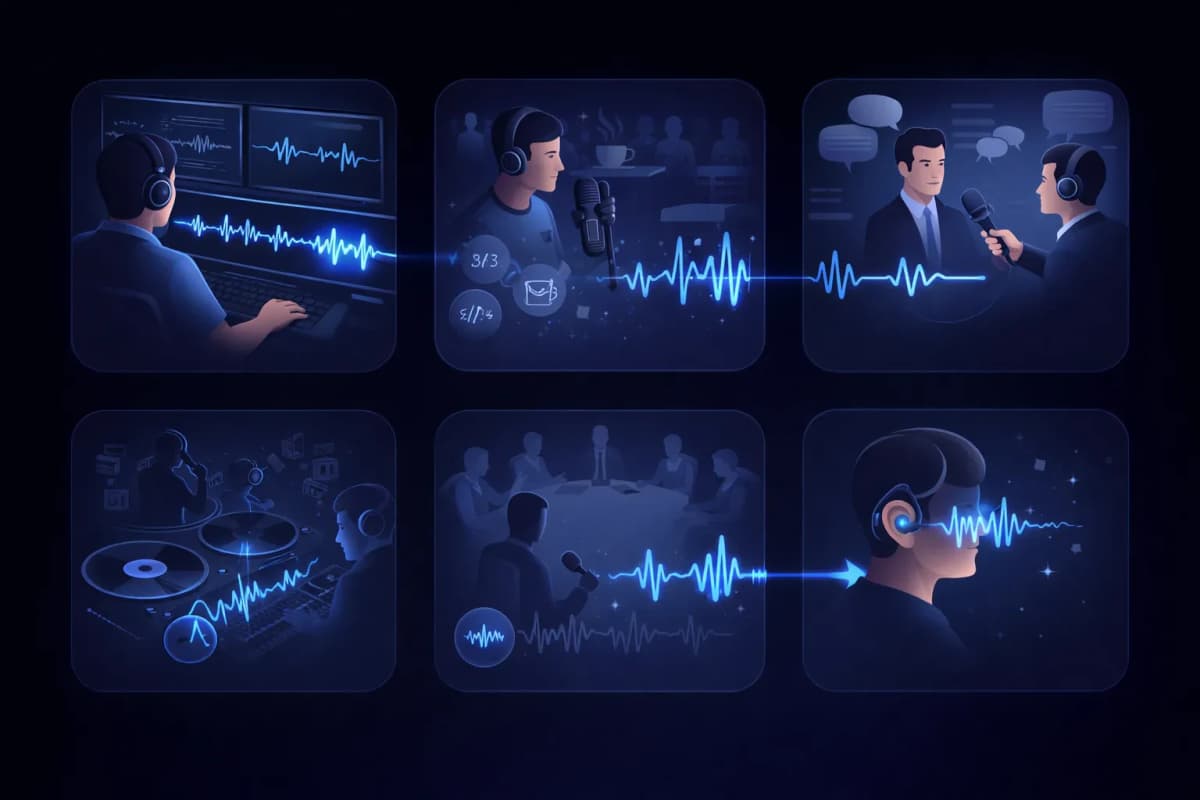
Ses İzolatörü Kullanım Alanları
Video Post-Prodüksiyon
Video kayıtlarından arka plan gürültüsünü kaldırarak diyalog kanallarını temizleyin.
Podcast Düzenleme
Podcast kayıtlarından kafe gürültüsünü, trafik seslerini ve diğer istenmeyen sesleri kaldırın.
Röportaj Transkripsiyonu
Daha doğru konuşma-metin transkripsiyon sonuçları için konuşmacı seslerini izole edin.
Vokal Çıkarma
Remiks, karaoke veya a cappella versiyonları için müzik parçalarından vokalleri çıkarın.
Toplantı ve Ders Kaydı
Konuşmacı seslerini oda gürültüsünden izole ederek toplantı kayıtlarını temizleyin.
Erişilebilirlik
Karmaşık ses ortamlarından konuşmayı izole ederek işitme engelli kullanıcılara yardımcı olun.
Neden AnySpeech Ses İzolatörünü Seçmelisiniz?
- Stüdyo kalitesinde yapay zeka ses izolasyonu
- Tüm önemli ses formatlarını destekler
- Metin-konuşma ile entegre
- Ses klonlama ile entegre
- Tüm ses ihtiyaçlarınız için tek platform
- Uygun fiyatlı kredi tabanlı fiyatlandırma
NASIL ÇALIŞIR
Yapay Zeka ile Gürültü Giderme Nasıl Çalışır?
Yapay zeka ses izolatörü, sesin frekans haritasını okuyarak konuşmayı gürültüden ayırır: insan sesinin oluşturduğu kalıpları tanır, bunları korur ve geri kalan her şeyi çıkararak kaydı yeniden oluşturur.
Konuşma ve gürültü farklı izler bırakır
Spektrogramda insan sesi kendine özgü şekiller çizer: harmonikler, formantlar, hecelerin ritmi. Klimanın uğultusu, trafik ve kafedeki konuşmalar ise bambaşka görünür. Model her ikisini de öğrendiği için, üst üste bindiklerinde bile bunları birbirinden ayırabilir.
Filtreleme değil, yeniden oluşturma
Klasik gürültü filtreleri belirli frekans aralıklarını bütünüyle keser; bu da gürültüyle birlikte sesi de donuklaştırır. Yapay zeka izolasyonu ise temiz sesin nasıl duyulması gerektiğini tahmin edip sesi yeniden oluşturur; böylece filtrelerin yok edeceği parlaklığı ve ayrıntıları korur.
Sonuç neden stüdyo kaydı gibi duyulur?
Ses oyularak çıkarılmak yerine yeniden oluşturulduğu için çıktı, doğal s-ş seslerini ve sesin canlılığını korurken gürültü tabanından arınır. Mutfakta telefonla yapılmış bir kayıt bile ses kabininde alınmış gibi duyulabilir.

HANGİ ARAÇ?
Voice Isolator mı, Vokal Kaldırma Aracı mı? Hangisine İhtiyacınız Var?
İki araç birbirine benzer görünse de tam tersi sorunları çözer. Kısa kural şu: istenmeyen gürültü içeren bir konuşma kaydınız varsa Voice Isolator; parçalarına ayırmak istediğiniz bir şarkınız varsa Vokal Kaldırma Aracı.
Voice Isolator — konuşma kayıtları için
Asıl içeriğin konuşma olduğu, geri kalan her şeyin ise gürültüden ibaret olduğu durumlarda kullanın: podcast kayıtları, röportajlar, dersler, sesli notlar. Elinize tek bir temiz konuşma kaydı geçer.
Vokal Kaldırma Aracı — şarkılar için
Müzikle çalışıyorsanız ve temizlik değil, şarkının parçalarını istiyorsanız kullanın: bitmiş bir şarkıyı akapella ve enstrümantal olarak ikiye ayırır ve ikisini de korur.
Bir bakışta
| Soru | Voice Isolator | Vokal Kaldırma Aracı |
|---|---|---|
| Ne yüklenir? | Gürültülü konuşma kaydı | Bitmiş bir şarkı |
| Ne elde edilir? | Tek bir temiz ses kaydı | Vokal + enstrümantal parçalar |
| Ne kaldırılır? | Gürültü, uğultu, arka plan konuşmaları | Hiçbir şey — her şey korunur, yalnızca ayrılır |
| Tipik kullanıcı | Podcast yapımcıları, öğrenciler, gazeteciler | Şarkıcılar, DJ'ler, karaoke severler |
Bunun yerine bir şarkıyla mı çalışıyorsunuz? Vokal kaldırma aracına geçin.
GÜRÜLTÜ REHBERİ
Hangi Gürültüler En İyi Temizlenir?
Her gürültü aynı ölçüde temizlenemez. Yüklemeden önce neyle karşılaşacağınızı dürüstçe özetledik.
Mükemmel sonuçlar
- Klima, vantilatör ve elektrik uğultusu
- Bilgisayar ve mikrofon hışırtısı
- Yağmur ve sürekli rüzgar uğultusu
Sabit ve öngörülebilir gürültü, modellemesi en kolay olanıdır — neredeyse tamamen yok olur.
İyi sonuçlar
- Kafedeki sohbetler ve kalabalık uğultusu
- Trafik ve sokak sesleri
- Klavye tıkırtıları ve masaya çarpma sesleri
Aralıklı gürültü genellikle iyi temizlenir; ancak tam bir kelimenin üzerine denk gelen yüksek bir ses iz bırakabilir.
Sınırları bilin
- Odanın sesine işlemiş yoğun yankı
- Sizinle aynı anda konuşan başka bir ses
- Patlamış (clipping) ya da bozulmuş kaynak ses
Bu sorunlar sesin kendisiyle iç içe geçtiğinden kusursuz bir sonuç değil, iyileşme bekleyin — mümkünse yeniden kaydedin.
İŞ AKIŞI
Ses İzolasyonunun İş Akışınızdaki Yeri
Temiz konuşma yalnızca kulağa daha hoş gelmez; sonraki adımlarda kullandığınız her yapay zeka aracının sonucunu da ölçülebilir biçimde iyileştirir.
Transkripsiyondan önce
Temiz bir kayıt, daha az yanlış algılanan kelime demektir. Önce sesi izole edin, ardından daha isabetli bir transkript için konuşmadan metne aracını çalıştırın.
Ses klonlamadan önce
Klonlama, gürültü dahil örneğinizdeki her şeyi öğrenir. Kaydı önce izole etmek, klona daha temiz bir ses izi kazandırır.
Yayınlamadan önce
Sesi yeniden kaydetmek yerine tek seferde düzelttiğinizde podcast bölümleri ve video seslendirmeleri daha hızlı yayına hazır olur.
Sıkça Sorulan Sorular
Sesleri Yapay Zeka ile Hemen İzole Edin
Ses dosyanızı yükleyin ve saniyeler içinde temiz, stüdyo kalitesinde ses elde edin.