
语音降噪
用 AI 即时去除任何音频中的背景噪音。
听听差别
看看我们的 AI 如何从背景噪音中隔离人声
[示例]咖啡馆背景噪音
什么是语音降噪?
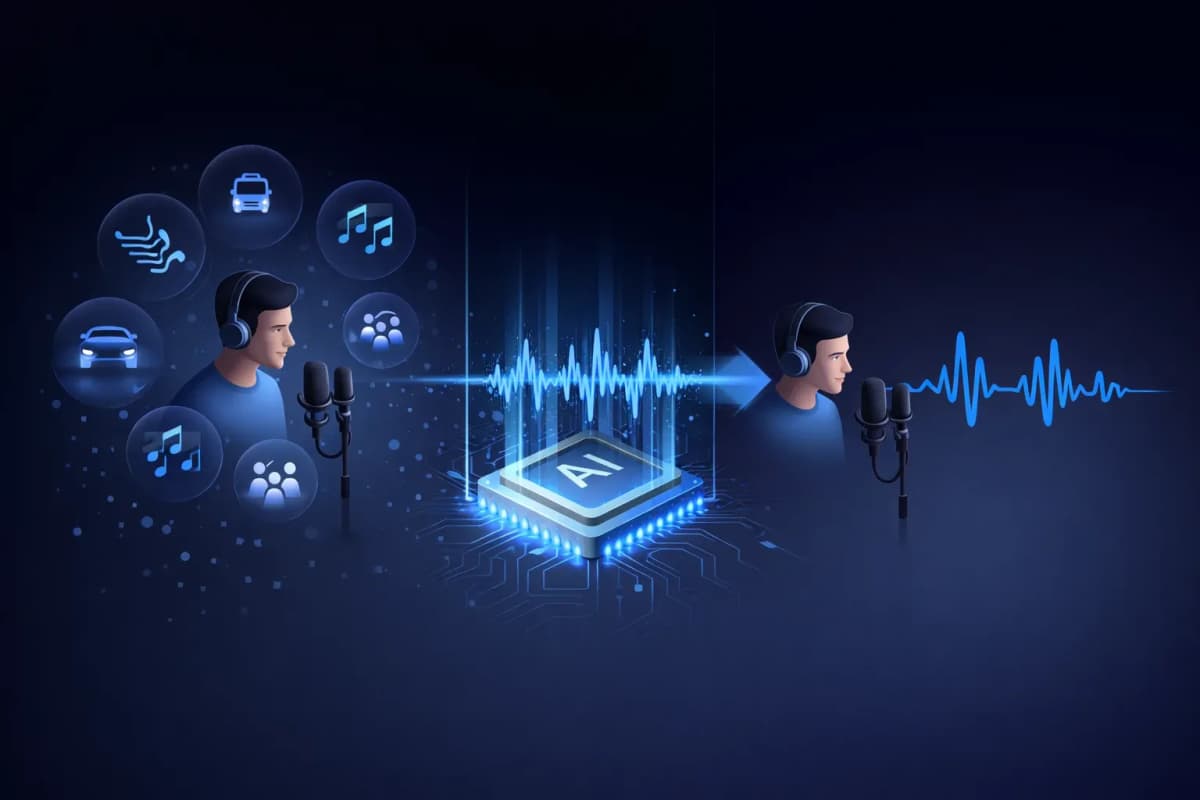
语音降噪是一种 AI 驱动的工具,可以从音频录音中分离人声和背景噪音。与传统的噪音滤波器只是简单降低音量不同,我们的 AI 语音降噪使用深度学习神经网络来识别和提取人声模式,同时去除音乐、交通、风声和环境噪音等不需要的声音。最终得到的是干净的、录音棚级别的语音音频,听起来就像在专业环境中录制的一样。
AI 语音降噪的主要特性
AI 驱动的语音降噪
使用数百万音频样本训练的深度学习神经网络,精确地将人声与任何背景噪音分离。
多格式支持
上传 MP3、WAV、OGG、AAC 或 FLAC 音频文件。我们的语音降噪处理所有主流音频格式。
闪电般的处理速度
20-40 秒内即可获得隔离后的语音音频。无需漫长等待处理时间。
录音棚级别的输出质量
在去除噪音的同时保留自然的语音特征。输出效果如同在专业录音棚中录制。
与 TTS 和克隆集成
独特的工作流程: 隔离人声,然后克隆它或生成新语音。一个平台完成所有操作 — 仅在 AnySpeech 提供。
隐私优先
您的音频文件会在 7 天后自动删除。我们绝不会分享或使用您的数据进行训练。

如何使用我们的语音降噪
上传文件
拖放或点击上传您的音频文件。支持 MP3、WAV、OGG、AAC、FLAC。
AI 处理音频
我们的 AI 语音降噪分析您的音频,自动将人声与背景噪音分离。
预览和对比
并排聆听原始音频和隔离后的音频。即时感受差异。
下载干净音频
下载高质量音频格式的隔离人声,随时用于任何项目。
语音降噪使用场景
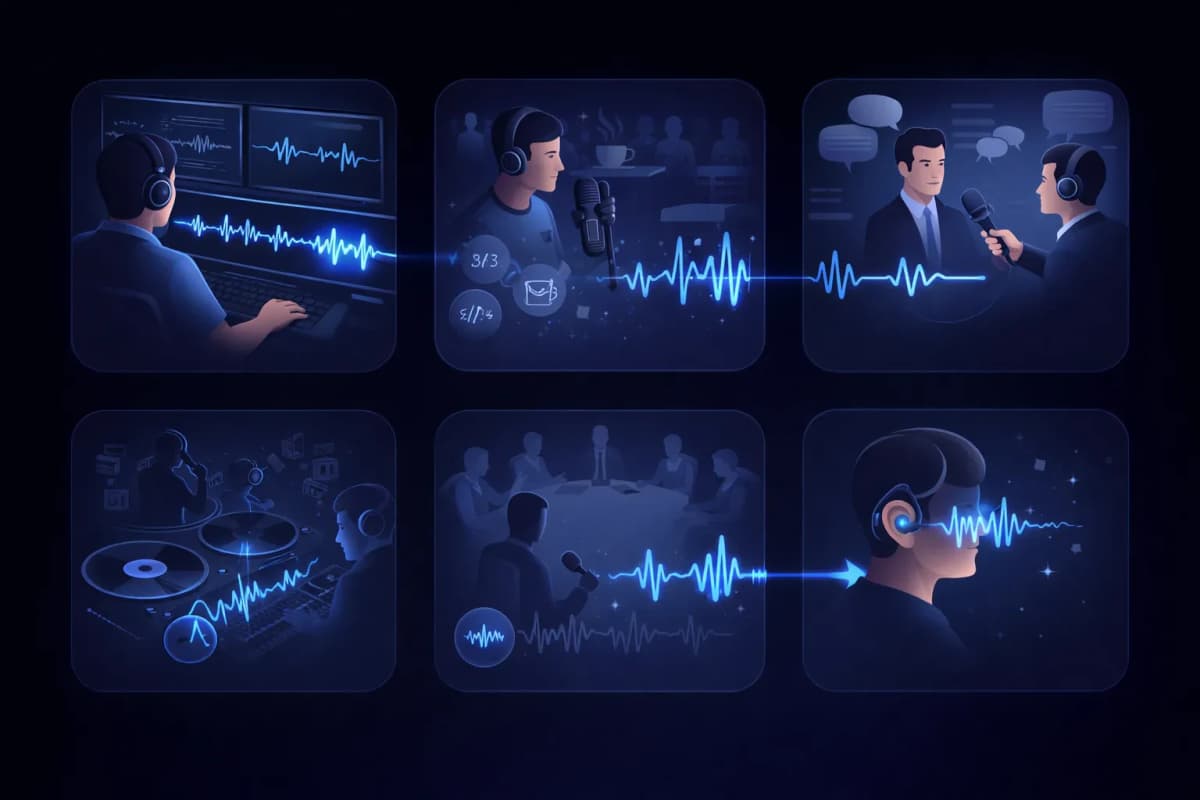
视频后期制作
通过去除视频录制中的背景噪音来清理对话音轨。
播客编辑
从播客录音中去除咖啡馆噪音、交通声和其他不需要的音频。
采访转录
隔离说话者的声音,以获得更准确的语音转文字结果。
人声提取
从音乐曲目中提取人声,用于混音、卡拉OK或清唱版本。
会议和讲座录音
通过隔离说话者的声音来清理会议录音中的环境噪音。
无障碍服务
通过从复杂音频环境中隔离语音,帮助听力障碍用户。
为什么选择 AnySpeech 语音降噪?
- 录音棚级别的 AI 语音降噪
- 支持所有主流音频格式
- 与文字转语音集成
- 与声音克隆集成
- 一个平台满足所有音频需求
- 实惠的积分制定价
工作原理
AI 降噪是如何工作的?
AI 语音降噪通过解读音频的频率图谱来分离语音和噪音:它能识别人声特有的模式并保留下来,再重建一条去除了其他所有声音的音轨。
语音和噪音留下的“指纹”不同
在频谱图上,人声会画出独特的形状——谐波、共振峰、音节的节奏。空调的嗡嗡声、交通噪音和咖啡馆里的交谈声,看起来则截然不同。模型对两者都很熟悉,所以即使它们相互重叠,也能把它们区分开。
是重建,而不是过滤
传统降噪滤波器会直接切掉整段频率,人声也会跟着噪音一起变闷。AI 降噪则会预测干净的人声应该是什么样子,并将其重建,保留滤波器会破坏掉的明亮感和细节。
为什么听起来像录音棚录的
因为人声是被重建的,而不是被“抠”出来的,所以输出既保留了自然的齿音和临场感,又没有底噪。在厨房里用手机录的音,处理后也能听起来像在录音棚里录的。

选哪个工具?
语音降噪与人声分离:您需要哪一个?
这两个工具听起来相似,解决的却是相反的问题。简单判断:带杂音的说话录音——用语音降噪;想拆分成不同部分的歌曲——用人声分离。
语音降噪——用于说话录音
当人声就是内容、其他一切都是干扰时使用:播客录音、采访、讲座、语音备忘录。您会得到一条干净的语音音轨。
人声分离——用于歌曲
当您处理音乐、想要拆分各个部分而不是做清理时使用:它会把一首完整的歌曲拆成清唱人声和伴奏,两者都会保留。
一目了然
| 问题 | 语音降噪 | 人声分离 |
|---|---|---|
| 输入什么 | 带噪音的说话音频 | 一首完整的歌曲 |
| 输出什么 | 一条干净的人声音轨 | 人声 + 伴奏分轨 |
| 去除什么 | 噪音、嗡嗡声、嘈杂人声 | 什么都不去除——全部保留,只是分开 |
| 典型用户 | 播客主、学生、记者 | 歌手、DJ、K 歌爱好者 |
处理的是歌曲?请前往 人声分离。
噪音指南
哪些噪音最容易清除?
并不是所有噪音都能同样有效地去除。上传前,先看看这份实事求是的效果预期。
效果极佳
- 空调、风扇和电流嗡嗡声
- 电脑和麦克风的嘶嘶声
- 雨声和持续的风噪
稳定、可预测的噪音最容易建模——几乎可以完全消除。
效果良好
- 咖啡馆交谈声和人群嘈杂声
- 交通和街道环境声
- 键盘敲击声和桌面碰撞声
间歇性噪音通常能清理得很好,但如果一声巨响恰好盖在某个字上,可能会留下痕迹。
了解局限
- 录音环境中较重的混响
- 有人和您同时说话
- 削波或失真的原始音频
这些问题与人声本身重叠,只能期待改善而非完美——条件允许的话,请重新录制。
工作流程
降噪在音频制作流程中的位置
干净的语音不只是更好听——还能让后续每一个 AI 工具的效果都明显提升。
转写之前
音轨越干净,听错的词就越少。先降噪,再用语音转文字,转写结果会更准确。
克隆声音之前
克隆会学习样本中的一切,包括噪音。先对录音做降噪,克隆就能得到更干净的声纹。
发布之前
一次性修好音频、不必重录,播客节目和视频配音就能更快上线。