
Convert Text to Audio: The Complete Guide to Converting Text Into Speech (2026)
Learn how to convert text to audio in minutes using AI voices. Free tools, step-by-step guide, voice quality tips, and best use cases for content creators, educators, and marketers.
You've got the script done. The slides are ready. The blog post is polished and waiting to go out.
And then you realize someone needs to read all of this out loud.
Recording a voiceover means finding a quiet room, setting up a microphone, doing four takes because the neighbors picked the worst possible moment to start mowing their lawn, and then editing out every "um." Hiring a voice actor takes a budget, a brief, and a few days of back-and-forth.
For a lot of people, that's where the project stalls.
Text to audio changes that equation entirely. You type. It speaks. In 2026, the quality gap between AI-generated audio and a professional recording has shrunk to the point where most listeners don't notice the difference — unless you tell them.
This guide covers how text to audio works, how to do it step by step, which voice quality actually matters for your use case, and a few tips for making the output sound less like it came from a GPS giving directions.
What Is Text to Audio?
Text to audio is technology that converts written text into spoken audio files you can play, download, or embed anywhere.
You feed it words. It gives you back a voice.
What makes modern text to audio different from the robotic TTS built into your computer ten years ago is the AI underneath it. Today's systems don't just string phonemes together — they understand context, adjust pacing around punctuation, handle natural sentence stress, and can produce voices that sound genuinely expressive.
Traditional TTS vs. AI-Powered Text to Audio
| Traditional TTS | AI Text to Audio | |
|---|---|---|
| Voice quality | Robotic, monotone | Natural, expressive |
| Emotional range | Flat throughout | Adjusts to sentence context |
| Pronunciation | Rule-based, often wrong | Context-aware, accurate |
| Languages | 10–20 | 100+ |
| Customization | Speed only | Voice, speed, style, tone |
| Cost to start | Free (device built-in) | Free tier available |
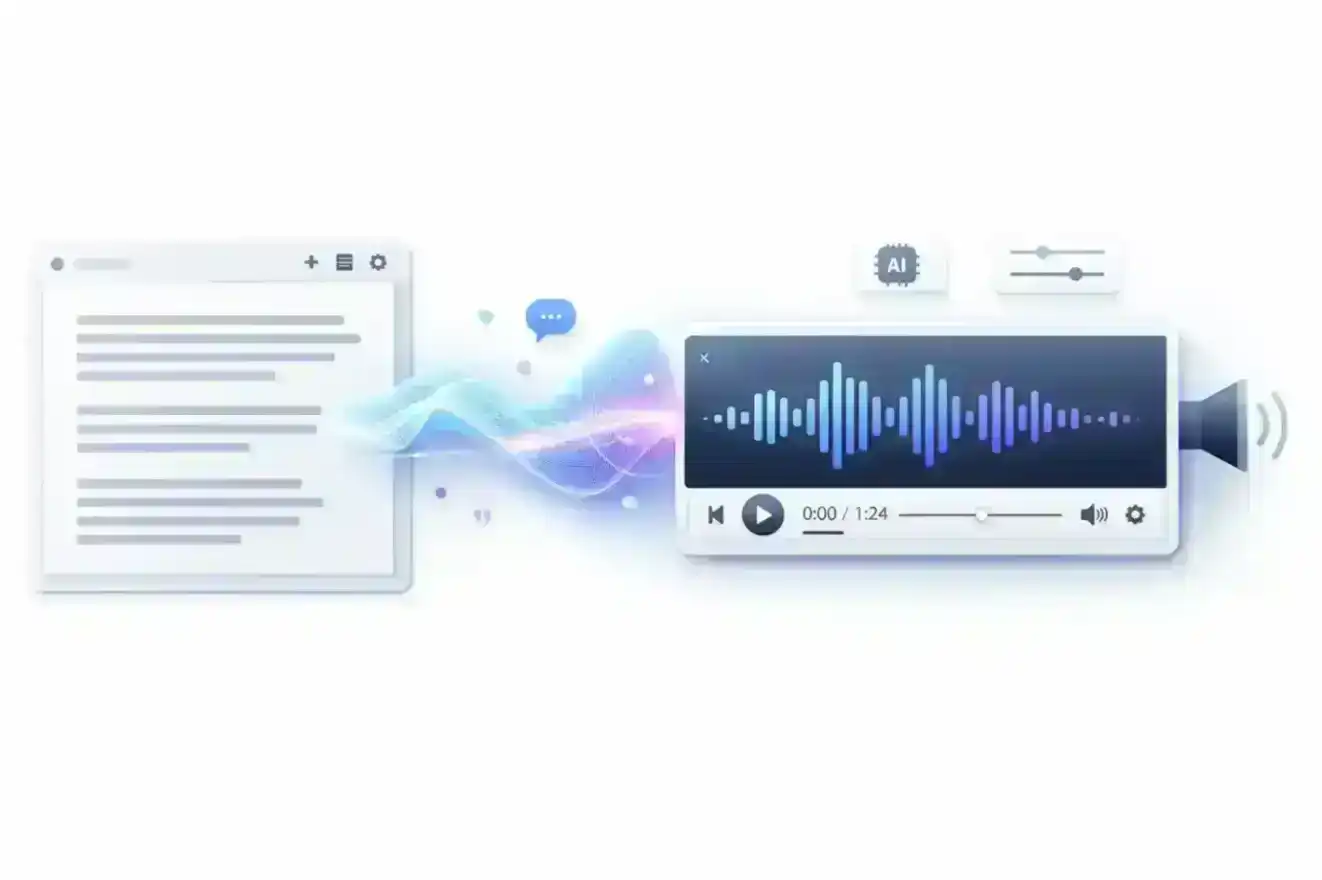
Worth knowing: If you just want your phone to read an article aloud while you commute, the built-in accessibility feature works fine. If you need to create an audio file — for a video, a podcast, or a presentation — a dedicated text to audio tool gives you control over voice quality, language, and output format. AnySpeech's free tool is a good starting point, no account required.
For a deeper look at AI voice technology and how to choose the right voice for your project, check out our complete guide to AI text to speech.
How to Convert Text to Audio: Step-by-Step
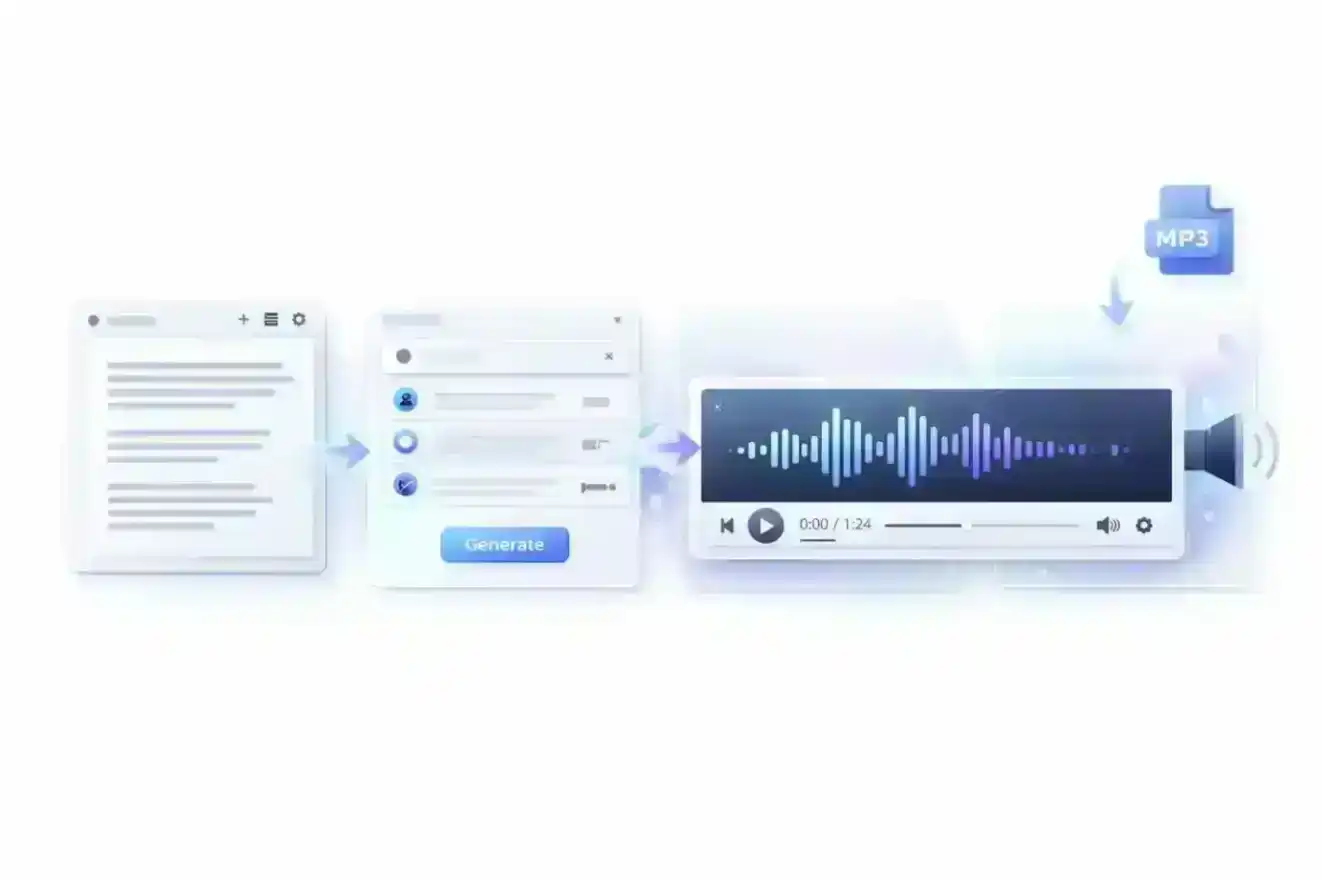
Let's get practical. Here's the entire process from blank page to downloaded audio file.
Step 1: Choose Your Text to Audio Tool
There are a lot of options out there. The main factors worth considering: voice quality, language support, whether there's a free tier, and what output formats you get.
AnySpeech's free text to audio tool lets you start immediately without creating an account — useful if you just want to test something quickly before committing to a workflow.
Step 2: Type or Paste Your Text
This sounds obvious, but there's a technique here that makes a real difference.
Write for ears, not eyes. Shorter sentences sound better when spoken. Complex nested clauses that work fine on a page become confusing when read aloud. Punctuation controls pacing — a comma creates a brief pause, a period a longer one, an em dash something in between.
Quick test before generating: Read your text out loud yourself first. If you stumble anywhere, the AI probably will too.
Step 3: Pick a Voice and Language
Most tools organize voices by language, gender, and style. Use the preview feature — the same text sounds completely different in a warm conversational voice versus a formal neutral one.
If you're not sure where to start, browsing a voice library first helps you get a feel for what's available before committing to a direction.
Step 4: Generate and Download Your Audio File
One click. The audio generates — usually within seconds for shorter texts, a little longer for larger chunks — and you can preview before downloading.
The output is typically an MP3 file, which plays on every device and embeds in every platform you'd want to use.
The whole process takes about two minutes. That's the part people don't believe until they actually try it.
The Best Use Cases for Text to Audio
Text to audio is more versatile than most people expect when they first encounter it. Here are the use cases that genuinely save time — not in theory, but in practice.
Video Voiceovers (YouTube, TikTok, Short-Form Video)
Writing a script and narrating it yourself requires equipment, a quiet space, and multiple takes. With text to audio, you write the script, generate the voice, and drop it onto your timeline.
A consistent AI voice also means your channel has a consistent sound — no variation between videos based on which microphone you grabbed that day or whether you recorded at 9 AM versus 10 PM.
Podcast Production
Not every podcast needs a live host. Newsletters-turned-podcasts, news summaries, and topic explainers work well with AI narration — the audio quality is high enough that listeners rarely bring it up.
Worth knowing: For a voice that sounds natural in a conversational podcast style, choose a "natural" or "conversational" voice category rather than "professional" or "news reader." The delivery feels completely different. One reads like a person talking; the other reads like a person reading.
E-Learning and Online Courses
Narrating slides or course modules the traditional way means re-recording every time you update the content. With text to audio, you edit the text and regenerate. The whole update takes minutes instead of a return trip to the recording booth.
Accessibility
Some readers find it easier to listen than to read — whether that's because of visual impairment, dyslexia, or simply being better audio learners. Adding an audio version of your written content expands your audience without requiring you to create entirely new material.
Marketing and Advertising
Ad voiceovers. Product demos. Explainer videos. These traditionally required a voice actor and a recording session. Text to audio makes it possible to test multiple scripts quickly — generate audio for version A and version B in the same afternoon, see which one performs better, and iterate.
Language Learning and Pronunciation
If you're studying a language, hearing content read aloud in a native-quality voice is genuinely useful. Text to audio in 100+ languages means you can turn any text — a news article, a practice dialogue, a vocabulary list — into a listening exercise on demand.
Which AI Can I Use to Convert Text Into Natural Sounding Audio?
This is the question most people land on after their first experiment with a free text to audio tool: "the basic version sounds okay, but is there something that sounds more... human?"
Yes. The quality difference between voice tiers is real, and it's noticeable.
What Actually Makes an AI Voice Sound Natural?
Three things separate a voice that sounds natural from one that sounds robotic:
- Prosody — the rhythm and musicality of speech. Natural voices rise and fall. Robotic TTS stays flat throughout, no matter what the content says.
- Contextual stress — knowing which word in a sentence carries the emphasis. "I didn't say he stole it" and "I didn't say he stole it" mean different things. A natural voice handles this. A robotic one doesn't.
- Micro-pauses — the tiny transitions between thoughts that make speech feel alive. Without them, everything sounds like it's being read at the same speed with no breathing room.
Premium AI voices are trained on much larger datasets and handle all three significantly better than standard voices.
Voice Quality Tiers Compared
| Voice Tier | Quality Level | Best For | Languages |
|---|---|---|---|
| Basic | Standard | Drafts, personal projects, prototyping | 40+ |
| Advanced | Natural AI | Content creation, YouTube, business use | 70+ |
| Pro | Ultra HD neural | Professional production, advertising | 70+ |
The honest take: for personal projects and internal drafts, the basic tier is perfectly fine. For anything that publicly represents your brand, the step up in quality is noticeable — and worth it.
Try the AnySpeech AI Voice Generator to hear sample audio from each tier before deciding.
Free Text to Audio — What You Actually Get
The free tier on most text to audio tools is fully functional. You can generate real audio, download it, and use it in your projects. The limits are on character count per request and daily volume — not on quality or export rights.
AnySpeech's free text to audio tool supports up to 5,000 characters per request without a paid account — enough for a full article, a podcast intro, or several short video scripts.
Tips for Getting Natural-Sounding Audio
The AI handles the hard part. But how you write and format your text makes a real difference in what comes out.
Use Punctuation to Control the Pacing
Punctuation is your timing tool, and the AI respects it.
| Mark | Effect on Audio |
|---|---|
| Comma , | Brief pause |
| Period . | Standard sentence pause |
| Em dash — | Slight pause with emphasis |
| Ellipsis ... | Extended, trailing pause |
| Question mark ? | Rising intonation |
Before: "The new feature is live users can access it from their dashboard today"
After: "The new feature is live. Users can access it from their dashboard — starting today."
Same words. Completely different delivery.
Write Shorter Sentences Than You Think You Need
A 40-word sentence that reads fine on paper becomes confusing when heard at normal speaking speed. Aim for sentences under 20 words in anything intended for audio. If a sentence contains more than one idea, split it.
Your readers can reread a long sentence. Your listeners cannot.
Match the Voice to Your Audience
A warm, friendly voice works well for consumer content. A clear, neutral voice works better for instructional or business content. A deeper, authoritative voice suits documentary-style narration.
The mismatch between content type and voice is often what makes AI audio feel "off" — not the technology itself, but the choice of voice. Explore the full voice library to find the right fit before you generate.
Adjust the Speed for Context
| Use Case | Recommended Speed |
|---|---|
| Audiobooks, educational content | 0.85× – 0.95× |
| Standard content, articles | 1.0× |
| Social media, ads | 1.0× – 1.1× |
Slightly slower than default works better for most content. People naturally listen more slowly than they read — standard speed can feel rushed if you're not used to it.
Text to Audio in 100+ Languages
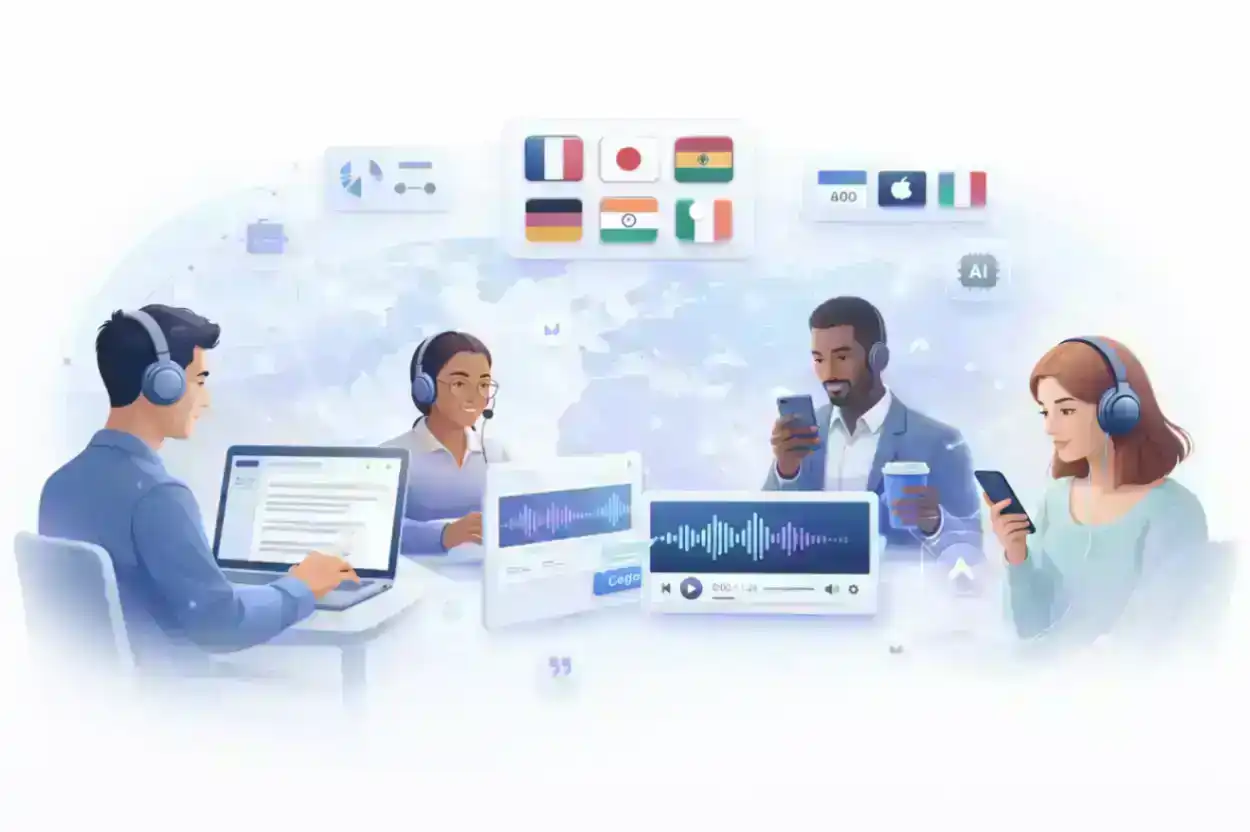
One of the genuinely useful things about modern text to audio: the same tool that handles your English content can generate audio in Portuguese, Arabic, Korean, or Hindi with the same quality.
That matters if you're creating content for international audiences. Instead of sourcing a local voice actor for each market, you write the localized text and generate audio in each language — same workflow, same tool, different input.
| Region | Languages Available |
|---|---|
| Americas | English, Spanish, Portuguese, French (Canadian) |
| Europe | French, German, Italian, Dutch, Polish, Turkish, and more |
| Asia | Chinese (Mandarin), Japanese, Korean, Hindi, and more |
| Middle East | Arabic, Farsi, Hebrew |
One honest note: AI voice quality does vary across languages. English, Spanish, and Mandarin tend to have the most mature and varied voice options. Less common languages may have fewer voice choices, though the gap has closed significantly in the last two years.
Browse all available languages and voices →
Free Text to Audio vs. Paid: What Actually Changes?
The short version: free is surprisingly capable. Paid is for volume, quality, and advanced features.
| Free | Paid Plans | |
|---|---|---|
| Characters per request | Up to 5,000 | Up to 50,000 |
| Requests per day | Up to 20 | Unlimited |
| Voice quality | Standard | Advanced + Pro neural |
| Voice cloning | ❌ | ✅ |
| Languages | 40+ | 70+ |
| Commercial use | ✅ | ✅ |
| Priority processing | ❌ | ✅ |
Both free and paid tiers allow commercial use. The audio you generate can go into a YouTube video, a podcast, an advertisement — no separate licensing fee required.
If you're generating text to audio occasionally for personal projects, the free tier covers everything you need. If you're creating content at scale, producing professional work, or need voice cloning, it's worth checking what the paid plans include.
Frequently Asked Questions
How do I convert text to audio for free?
Paste your text into a free text to audio tool, pick a voice, and click generate. AnySpeech's free tool doesn't require an account — you can generate and download audio right away. Free users get up to 5,000 characters per request and 20 requests per day.
What is the best text to audio converter online?
It depends on what you're making. For quick personal projects, a free tool with a standard voice is more than enough. For professional content — YouTube, advertising, e-learning — a premium AI voice tier gives you noticeably better output. AnySpeech's Text to Speech workbench offers both in one place, so you can start free and upgrade when you need to.
How do I turn my text into an audio file?
Four steps: choose a text to audio tool, paste your text, pick a voice, generate and download. The output is an MP3 file you can use anywhere. The full process takes about two minutes. The detailed walkthrough is in the step-by-step section above.
Which AI can I use to convert text into natural sounding audio?
The most natural-sounding results come from advanced and pro voice tiers on AI text to audio platforms. The difference is noticeable — particularly in prosody (rhythm), how the voice handles punctuation pauses, and whether it stresses the right words in a sentence. AnySpeech's AI Voice Generator lets you compare voice tiers with your own text before committing.
Can I use AI-generated audio for commercial purposes?
Yes. Audio generated through AnySpeech can be used in commercial projects — YouTube videos, advertising, podcasts, e-learning content, apps — without any additional licensing fee.
What audio format does text to audio output?
Most text to audio tools output MP3, which is compatible with every video editor, platform, and media player you're likely to use. Some tools also offer WAV for higher-fidelity production work where audio quality is critical.
Is there a character limit for text to audio conversion?
Free accounts support up to 5,000 characters per request. Paid plans support up to 50,000 characters — enough to convert a full chapter, a long-form article, or an entire podcast episode in a single pass.
Does text to audio work in multiple languages?
Yes — most AI text to audio tools support between 40 and 100+ languages. One thing to get right: make sure your text and your selected voice language actually match. Paste Spanish text with an English voice selected, and you'll get a result that sounds like neither language particularly well.
Converting text to audio used to be something only studios with real budgets could do properly. That's not the case anymore.
Whether you need a quick voiceover for a social media clip, professional narration for an online course, or just want to hear your own writing read back before you publish it — the tools are accessible, fast, and free to start.
Try text to audio free — no account needed →
Already know you need more? Explore premium AI voices and advanced features →
Author

Categories
More Posts
How to Make an AI Podcast: From One Idea to a Multi-Speaker Show (2026)
Learn how to make an AI podcast in minutes. Turn a single topic or script into a natural two-host conversation with AI voices — step by step, no mic or editing needed.
How to Make AI Voice Sound Less Robotic: 12 Fixes (2026)
Why AI voices sound robotic, and 12 fixes that work: write for the ear, use punctuation for pauses, spell out numbers, fix pronunciation, tune speed and more.

How to Use Text to Speech on TikTok: The Complete Guide (2026)
Learn how to use TikTok text to speech step by step on iPhone and Android. All voices explained, troubleshooting fixes, plus better AI alternatives for pro-quality voiceovers.