
عازل الصوت
أزل ضوضاء الخلفية من أي صوت بالذكاء الاصطناعي، فوراً.
اسمع الفرق
شاهد كيف يعزل AI الصوت من ضوضاء الخلفية
[مثال]ضوضاء مقهى في الخلفية
ما هو عازل الصوت؟
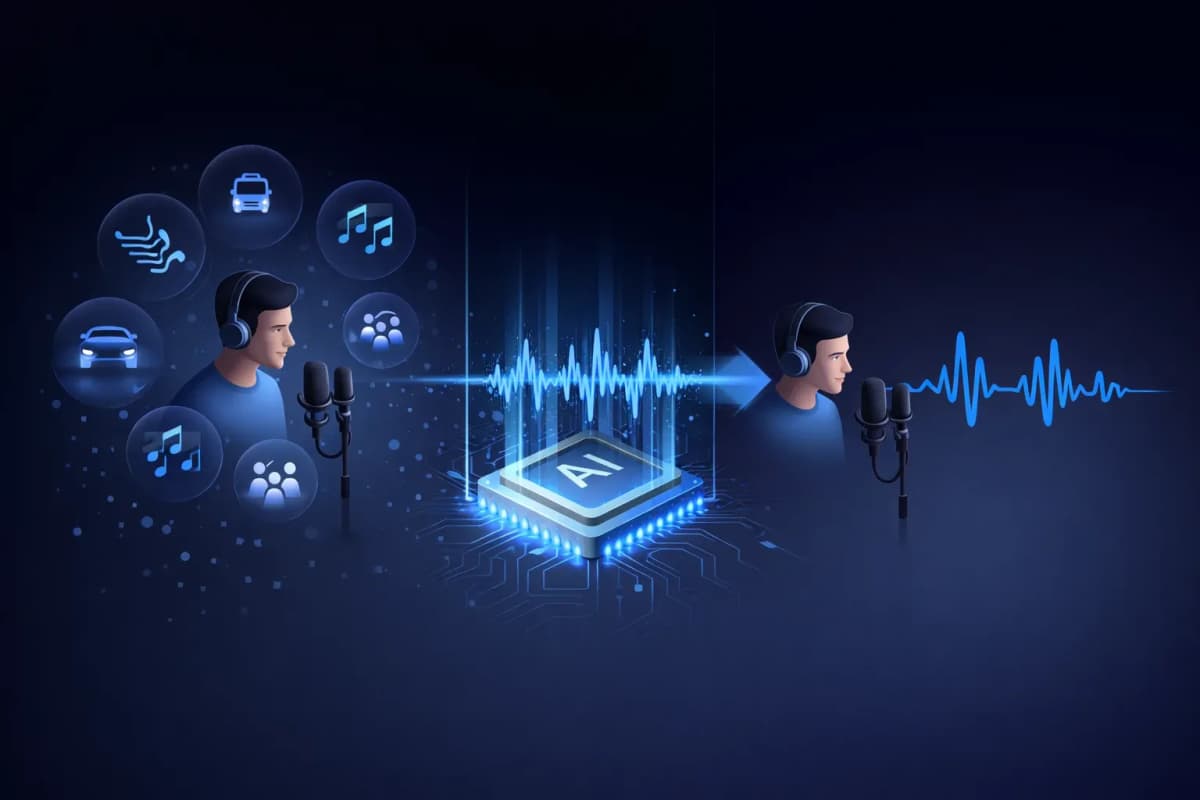
عازل الصوت هو أداة مدعومة بالذكاء الاصطناعي تفصل الكلام البشري عن ضوضاء الخلفية في التسجيلات الصوتية. على عكس مرشحات الضوضاء التقليدية التي تقلل مستويات الصوت ببساطة، يستخدم عازل الصوت AI شبكات عصبية عميقة لتحديد واستخراج الأنماط الصوتية مع إزالة الأصوات غير المرغوبة مثل الموسيقى والمرور والرياح والضوضاء المحيطة. النتيجة هي صوت بشري نظيف بجودة الاستوديو يبدو كأنه سُجّل في بيئة احترافية.
الميزات الرئيسية لعازل الصوت AI
عزل صوت مدعوم بالذكاء الاصطناعي
شبكات عصبية عميقة مدربة على ملايين العينات الصوتية لفصل الصوت بدقة من أي ضوضاء خلفية.
دعم صيغ متعددة
ارفع ملفات MP3 أو WAV أو OGG أو AAC أو FLAC. عازل الصوت يتعامل مع جميع صيغ الصوت الرئيسية.
معالجة سريعة فائقة
احصل على صوتك المعزول في 20-40 ثانية. بدون انتظار أوقات معالجة طويلة.
مخرجات بجودة الاستوديو
حافظ على خصائص الصوت الطبيعية مع إزالة الضوضاء. المخرجات تبدو كأنها سُجّلت في استوديو احترافي.
متكامل مع TTS والاستنساخ
سير عمل فريد: اعزل صوتاً، ثم استنسخه أو ولّد كلاماً جديداً. كل ذلك في منصة واحدة — فقط على AnySpeech.
الخصوصية أولاً
تُحذف ملفاتك الصوتية تلقائياً بعد 7 أيام. لا نشارك أو نستخدم بياناتك للتدريب أبداً.

كيفية استخدام عازل الصوت
ارفع ملفك
اسحب وأفلت أو انقر لرفع ملف الصوت. يدعم MP3 و WAV و OGG و AAC و FLAC.
AI يعالج الصوت
يحلل عازل الصوت AI صوتك ويفصل الصوت البشري عن ضوضاء الخلفية تلقائياً.
استمع وقارن
استمع للصوت الأصلي والمعزول جنباً إلى جنب. اسمع الفرق فوراً.
حمّل الصوت النظيف
حمّل صوتك المعزول بصيغة صوت عالية الجودة، جاهز لأي مشروع.
حالات استخدام عازل الصوت
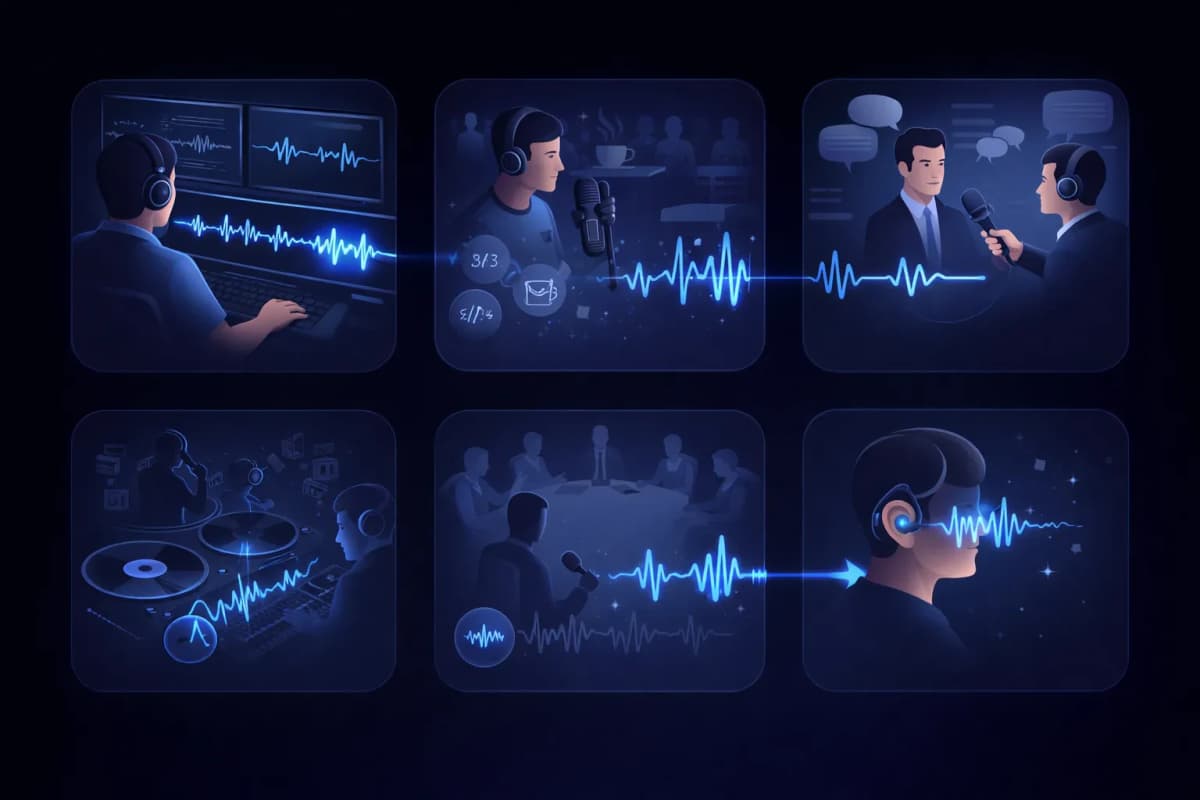
ما بعد إنتاج الفيديو
نظّف مسارات الحوار بإزالة ضوضاء الخلفية من تسجيلات الفيديو.
تحرير البودكاست
أزل ضوضاء المقهى وأصوات المرور والأصوات غير المرغوبة الأخرى من تسجيلات البودكاست.
نسخ المقابلات
اعزل أصوات المتحدثين للحصول على نتائج تحويل كلام إلى نص أكثر دقة.
استخراج الأصوات
استخرج الأصوات البشرية من المسارات الموسيقية للريمكسات أو الكاريوكي أو النسخ الصوتية فقط.
تسجيلات الاجتماعات والمحاضرات
نظّف تسجيلات الاجتماعات بعزل أصوات المتحدثين من ضوضاء الغرفة.
إمكانية الوصول
ساعد المستخدمين ضعاف السمع بعزل الكلام من البيئات الصوتية المعقدة.
لماذا تختار عازل الصوت من AnySpeech؟
- عزل صوت AI بجودة الاستوديو
- يدعم جميع صيغ الصوت الرئيسية
- متكامل مع تحويل النص إلى كلام
- متكامل مع استنساخ الصوت
- منصة واحدة لجميع احتياجات الصوت
- تسعير بالأرصدة بأسعار معقولة
آلية العمل
كيف تعمل إزالة الضوضاء بالذكاء الاصطناعي؟
يفصل عازل الصوت بالذكاء الاصطناعي الكلام عن الضوضاء بقراءة الخريطة الترددية للتسجيل: فيتعرّف على الأنماط التي تصنعها الأصوات البشرية، ويحتفظ بها، ثم يعيد بناء المسار بعد إزالة كل ما عداها.
للكلام والضوضاء بصمات مختلفة
على المخطط الطيفي، يرسم الصوت البشري أشكالاً مميزة: التوافقيات، والترددات الرنينية (Formants)، وإيقاع المقاطع الصوتية. أما طنين المكيّف وضجيج الشارع وأحاديث رواد المقهى، فلكلٍّ منها شكل مختلف تماماً. وقد تعلّم النموذج النوعين معاً، لذا يستطيع التمييز بينهما حتى عندما يتداخلان.
إعادة بناء الصوت، لا ترشيحه
مرشحات الضوضاء التقليدية تقتطع نطاقات ترددية كاملة، فيخرج الصوت باهتاً مع إزالة الضوضاء. أما العزل بالذكاء الاصطناعي فيتوقع كيف ينبغي أن يكون الصوت النظيف ثم يعيد بناءه، محافظاً على بريق الصوت وتفاصيله التي كانت المرشحات ستُتلفها.
لماذا تبدو النتيجة كأنها مسجّلة في استوديو؟
لأن الصوت يُعاد بناؤه بدل أن يُقتطع من التسجيل، يحتفظ الناتج بالحروف الصفيرية الطبيعية وبحضور الصوت، من دون الضجيج الكامن في الخلفية. حتى تسجيل بالهاتف داخل مطبخ قد يخرج وكأنه سُجّل في كابينة تسجيل احترافية.

أي أداة تختار؟
عازل الصوت أم أداة إزالة الغناء: أيهما تحتاج؟
تبدو الأداتان متشابهتين، لكنهما تحلّان مشكلتين متعاكستين. القاعدة المختصرة: لتسجيل كلام تشوبه ضوضاء غير مرغوبة، استخدم عازل الصوت؛ ولأغنية تريد فصلها إلى أجزائها، استخدم أداة إزالة الغناء.
عازل الصوت — للتسجيلات الكلامية
استخدمه حين يكون الصوت هو المحتوى وكل ما عداه تشويشاً: تسجيلات البودكاست، والمقابلات، والمحاضرات، والمذكرات الصوتية. وتحصل في النهاية على مسار كلام واحد نظيف.
أداة إزالة الغناء — للأغاني
استخدمها حين تعمل على الموسيقى وتريد أجزاء الأغنية لا تنظيفها: فهي تفصل الأغنية المكتملة إلى أكابيلا وموسيقى بدون غناء، وتمنحك الاثنين معاً.
نظرة سريعة
| السؤال | عازل الصوت | إزالة الغناء |
|---|---|---|
| ماذا ترفع؟ | تسجيل كلامي فيه ضوضاء | أغنية مكتملة |
| ماذا تحصل عليه؟ | مسار كلام نظيف واحد | مسار للغناء وآخر للموسيقى |
| ما الذي يُزال؟ | الضوضاء والطنين والأحاديث الجانبية | لا شيء — كل العناصر تبقى، لكن منفصلة |
| مَن يستخدمها عادةً؟ | صنّاع البودكاست والطلاب والصحفيون | المغنّون ومنسّقو الأغاني (DJ) وهواة الكاريوكي |
تعمل على أغنية لا على تسجيل كلامي؟ انتقل إلى أداة إزالة الغناء.
دليل الضوضاء
أي أنواع الضوضاء تُزال بأفضل النتائج؟
ليست كل أنواع الضوضاء قابلة للإزالة بالقدر نفسه. إليك صورة صريحة لما يمكنك توقعه قبل أن ترفع ملفك.
نتائج ممتازة
- المكيفات والمراوح وطنين الأجهزة الكهربائية
- هسهسة الحاسوب والميكروفون
- المطر وهدير الرياح المستمر
الضوضاء الثابتة التي يمكن التنبؤ بها هي الأسهل على النموذج، إذ تختفي بشكل شبه كامل.
نتائج جيدة
- أحاديث رواد المقاهي وهمهمة الحشود
- ضجيج المرور وأصوات الشارع
- نقرات لوحة المفاتيح والطرقات على المكتب
الضوضاء المتقطعة تُزال عادةً بشكل جيد، وإن كان صوت عالٍ مفاجئ يتزامن مع كلمة ما قد يترك أثراً خفيفاً.
اعرف حدود الأداة
- صدى قوي مندمج في صوت الغرفة نفسه
- شخص آخر يتكلم في الوقت نفسه
- تسجيل أصلي متشبّع (Clipping) أو مشوّه
هذه المشكلات تتداخل مع الصوت البشري نفسه، لذا توقّع تحسناً لا كمالاً — وأعد التسجيل إن استطعت.
سير العمل
أين يندرج عزل الصوت في سير عملك الصوتي؟
الكلام النظيف ليس أريح للأذن فحسب — بل يحسّن أداء كل أداة ذكاء اصطناعي تستخدمها بعده تحسناً ملموساً.
قبل التفريغ النصي
المسار النظيف يعني كلمات أقل يُساء فهمها. اعزل الصوت أولاً، ثم استخدم تحويل الكلام إلى نص لتحصل على نص أدق.
قبل استنساخ الصوت
يتعلم الاستنساخ كل ما في عينتك، بما في ذلك الضوضاء. وعزل الصوت في التسجيل أولاً يمنح النسخة بصمة صوتية أنقى.
قبل النشر
تُنجَز حلقات البودكاست والتعليقات الصوتية للفيديو أسرع حين تُصلح الصوت في خطوة واحدة بدل إعادة التسجيل.
الأسئلة الشائعة
اعزل الأصوات بالذكاء الاصطناعي الآن
ارفع ملفك الصوتي واحصل على صوت نظيف بجودة الاستوديو في ثوانٍ.