
음성 분리 도구
AI로 모든 오디오에서 배경 소음을 즉시 제거하세요.
차이를 들어보세요
AI가 어떻게 배경 소음에서 음성을 분리하는지 확인하세요
[예시]카페 배경 소음
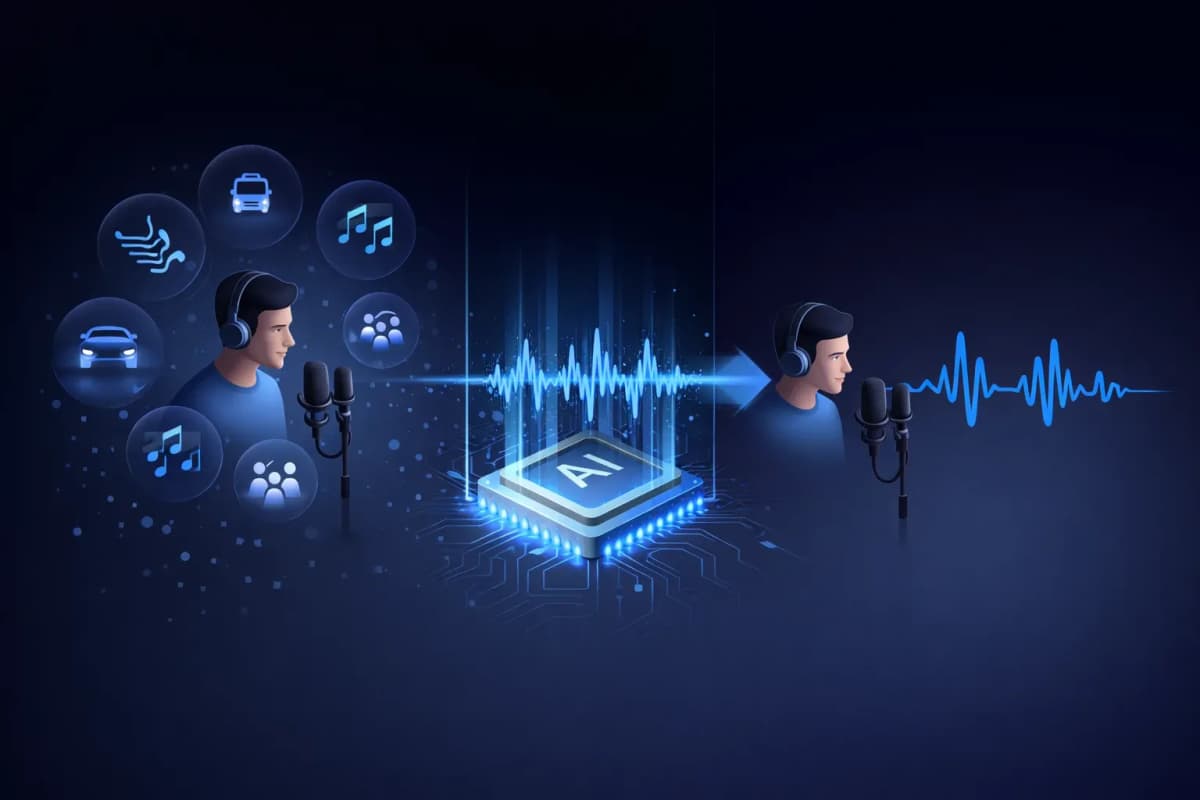
음성 분리 도구란?
음성 분리 도구는 오디오 녹음에서 사람의 음성과 배경 소음을 분리하는 AI 기반 도구입니다. 단순히 볼륨 레벨을 줄이는 기존 노이즈 필터와 달리, 저희 AI 음성 분리 도구는 딥러닝 신경망을 사용하여 음악, 교통 소음, 바람, 주변 소음 등 원치 않는 소리를 제거하면서 음성 패턴을 식별하고 추출합니다. 그 결과 전문 환경에서 녹음된 것처럼 깨끗한 스튜디오 품질의 음성 오디오를 얻을 수 있습니다.
AI 음성 분리 도구의 주요 기능
AI 기반 음성 분리
수백만 개의 오디오 샘플로 훈련된 딥러닝 신경망이 모든 배경 소음에서 음성을 정밀하게 분리합니다.
다중 형식 지원
MP3, WAV, OGG, AAC 또는 FLAC 오디오 파일을 업로드하세요. 모든 주요 오디오 형식을 처리합니다.
초고속 처리
분리된 음성 오디오를 20-40초 만에 받아보세요. 긴 처리 시간을 기다릴 필요가 없습니다.
스튜디오 품질 출력
소음을 제거하면서 자연스러운 음성 특성을 보존합니다. 전문 스튜디오에서 녹음한 것 같은 출력을 제공합니다.
TTS 및 복제와 통합
독특한 워크플로우: 음성을 분리한 후 복제하거나 새로운 음성을 생성하세요. 모두 하나의 플랫폼에서 — AnySpeech에서만 가능합니다.
프라이버시 우선
오디오 파일은 7일 후 자동으로 삭제됩니다. 데이터를 공유하거나 훈련에 사용하지 않습니다.

음성 분리 도구 사용 방법
파일 업로드
드래그 앤 드롭하거나 클릭하여 오디오 파일을 업로드하세요. MP3, WAV, OGG, AAC, FLAC 지원.
AI가 오디오 처리
AI 음성 분리 도구가 오디오를 분석하고 자동으로 음성과 배경 소음을 분리합니다.
미리듣기 및 비교
원본과 분리된 오디오를 나란히 들어보세요. 차이를 즉시 확인할 수 있습니다.
깨끗한 오디오 다운로드
분리된 음성을 고품질 오디오 형식으로 다운로드하세요. 모든 프로젝트에 바로 사용할 수 있습니다.
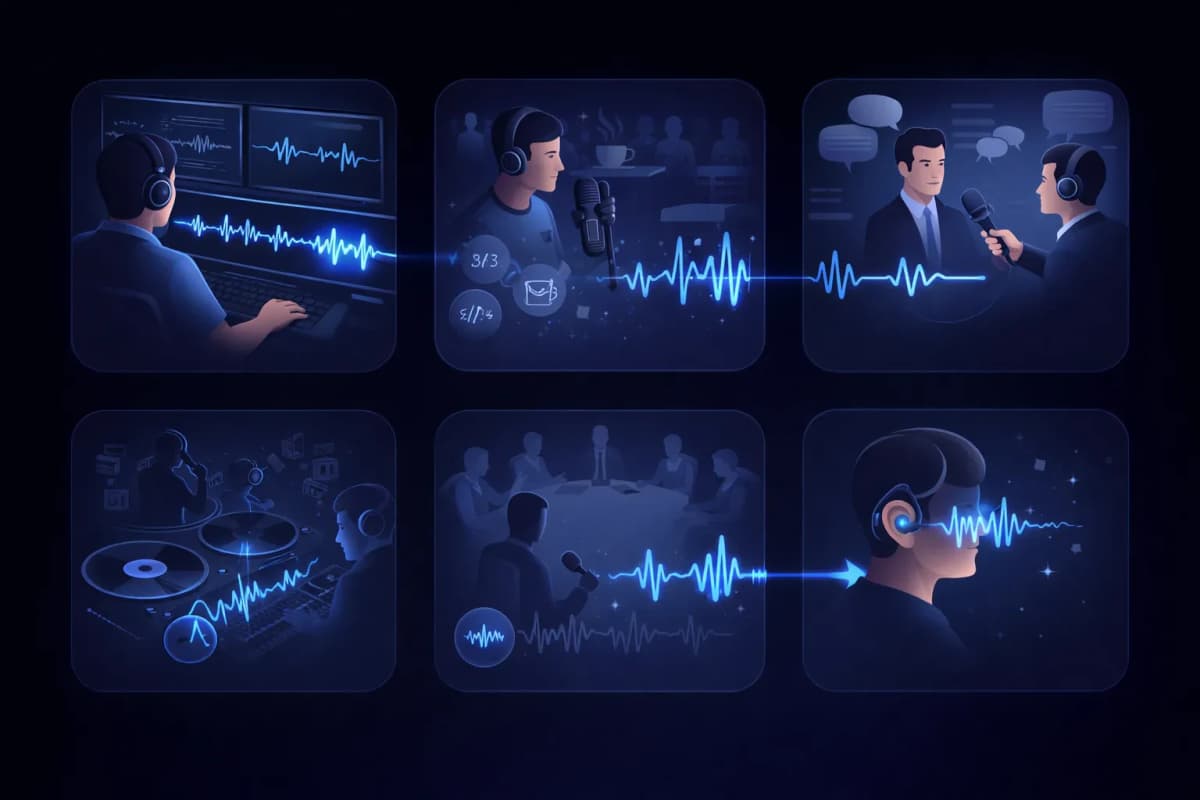
음성 분리 도구 활용 사례
영상 후반 작업
영상 녹화에서 배경 소음을 제거하여 대사 트랙을 정리하세요.
팟캐스트 편집
팟캐스트 녹음에서 카페 소음, 교통 소리 및 기타 원치 않는 오디오를 제거하세요.
인터뷰 전사
더 정확한 음성 인식 결과를 위해 화자 음성을 분리하세요.
보컬 추출
음악 트랙에서 보컬을 추출하여 리믹스, 노래방 또는 아카펠라 버전을 만드세요.
회의 및 강의 녹음
실내 소음에서 화자 음성을 분리하여 회의 녹음을 정리하세요.
접근성
복잡한 오디오 환경에서 음성을 분리하여 청각 장애인을 지원하세요.
AnySpeech 음성 분리 도구를 선택하는 이유
- 스튜디오 품질의 AI 음성 분리
- 모든 주요 오디오 형식 지원
- 텍스트 음성 변환과 통합
- 음성 복제와 통합
- 모든 오디오 요구를 위한 하나의 플랫폼
- 합리적인 크레딧 기반 요금제
작동 원리
AI 소음 제거는 어떻게 작동하나요?
AI 음성 분리 도구는 오디오의 주파수 지도를 읽어 말소리와 소음을 나눕니다. 사람의 목소리가 만드는 패턴을 알아보고 그 부분만 남긴 뒤, 나머지를 모두 걷어 낸 트랙을 새로 만들어 냅니다.
말소리와 소음은 서로 다른 지문을 남깁니다
스펙트로그램에서 사람의 목소리는 배음, 포먼트, 음절의 리듬 같은 뚜렷한 모양을 그립니다. 에어컨의 웅웅거림, 교통 소음, 카페의 웅성거림은 저마다 전혀 다르게 보입니다. 모델은 이 둘을 모두 학습했기 때문에 소리가 겹쳐 있어도 구분해 낼 수 있습니다.
필터링이 아닌 재구성
기존 노이즈 필터는 특정 주파수 대역을 통째로 잘라 내기 때문에 소음과 함께 목소리까지 먹먹해집니다. AI 음성 분리는 깨끗한 목소리가 원래 어떻게 들려야 하는지 예측해 새로 만들어 내므로, 필터였다면 망가뜨렸을 밝기와 디테일이 그대로 살아납니다.
결과물이 스튜디오 녹음처럼 들리는 이유
목소리를 깎아 내는 대신 새로 만들어 내기 때문에, 자연스러운 치찰음과 생생한 존재감은 그대로 살아 있고, 바닥에 깔린 잡음만 사라집니다. 주방에서 휴대폰으로 녹음한 파일도 녹음 부스에서 녹음한 것처럼 들릴 수 있습니다.

도구 선택
음성 분리 도구 vs 보컬 제거 도구, 어떤 게 필요할까요?
두 도구는 이름은 비슷하지만 정반대의 문제를 해결합니다. 간단히 정리하면, 원치 않는 소음이 섞인 말소리 녹음이라면 음성 분리 도구, 파트별로 나누고 싶은 노래라면 보컬 제거 도구입니다.
음성 분리 도구 — 말소리 녹음용
목소리가 곧 콘텐츠이고 나머지는 전부 방해 요소일 때 쓰세요. 팟캐스트 녹음, 인터뷰, 강의, 음성 메모 등이 여기에 해당합니다. 결과물은 깨끗한 음성 트랙 하나입니다.
보컬 제거 도구 — 노래용
음악을 다루면서 소리를 정리하기보다 파트를 나누고 싶을 때 쓰세요. 완성된 노래를 아카펠라와 MR(반주)로 분리하고, 두 트랙을 모두 남겨 줍니다.
한눈에 보기
| 구분 | 음성 분리 도구 | 보컬 제거 도구 |
|---|---|---|
| 넣는 파일 | 소음이 섞인 말소리 오디오 | 완성된 노래 |
| 받는 결과물 | 깨끗한 음성 트랙 1개 | 보컬 + MR(반주) 스템 |
| 제거되는 것 | 소음, 웅웅거림, 주변 말소리 | 없음 — 모든 소리를 나눠서 그대로 보존 |
| 주요 사용자 | 팟캐스터, 학생, 기자 | 가수, DJ, 노래방 애호가 |
다루려는 파일이 노래라면 보컬 제거 도구를 이용하세요.
소음 가이드
어떤 소음이 가장 잘 제거될까요?
모든 소음이 똑같이 잘 지워지지는 않습니다. 업로드하기 전에 어떤 결과를 기대할 수 있는지 솔직하게 정리했습니다.
탁월한 결과
- 에어컨, 선풍기, 전기 장치의 웅웅거림
- 컴퓨터와 마이크의 히스 노이즈
- 빗소리와 일정하게 부는 바람 소리
꾸준하고 예측 가능한 소음일수록 모델이 파악하기 쉬워, 거의 완전히 사라집니다.
좋은 결과
- 카페의 웅성거림과 군중 소음
- 차 소리와 거리 소음
- 키보드 소리와 책상을 치는 소리
간헐적인 소음도 대체로 잘 정리되지만, 단어와 정확히 겹친 큰 소리는 흔적이 남을 수 있습니다.
한계도 알아 두세요
- 공간 울림이 녹음에 깊게 밴 짙은 리버브
- 내 목소리 위로 겹쳐 말하는 다른 사람의 목소리
- 클리핑되거나 찌그러진 원본 오디오
이런 소리는 목소리 자체와 겹쳐 있어 완벽한 제거보다는 개선을 기대하는 편이 좋습니다. 가능하다면 다시 녹음하세요.
작업 흐름
오디오 작업 과정에서 음성 분리는 언제 할까요?
깨끗한 음성은 듣기 좋은 데서 그치지 않습니다. 이후에 쓰는 모든 AI 도구의 결과를 확실히 끌어올립니다.
받아쓰기 전에
트랙이 깨끗할수록 잘못 알아듣는 단어가 줄어듭니다. 먼저 음성을 분리한 다음 음성 텍스트 변환을 실행하면 더 정확한 받아쓰기 결과를 얻을 수 있습니다.
음성 복제 전에
음성 복제는 샘플에 담긴 모든 것을, 소음까지 그대로 학습합니다. 녹음에서 음성을 먼저 분리해 두면 더 깨끗한 음성 지문으로 복제할 수 있습니다.
게시하기 전에
다시 녹음하는 대신 한 번에 오디오를 손보면 팟캐스트 에피소드와 영상 보이스오버를 더 빨리 내보낼 수 있습니다.